

Overview
When Magento 2 category pages render but list no products, check the catalog search service before anything else.
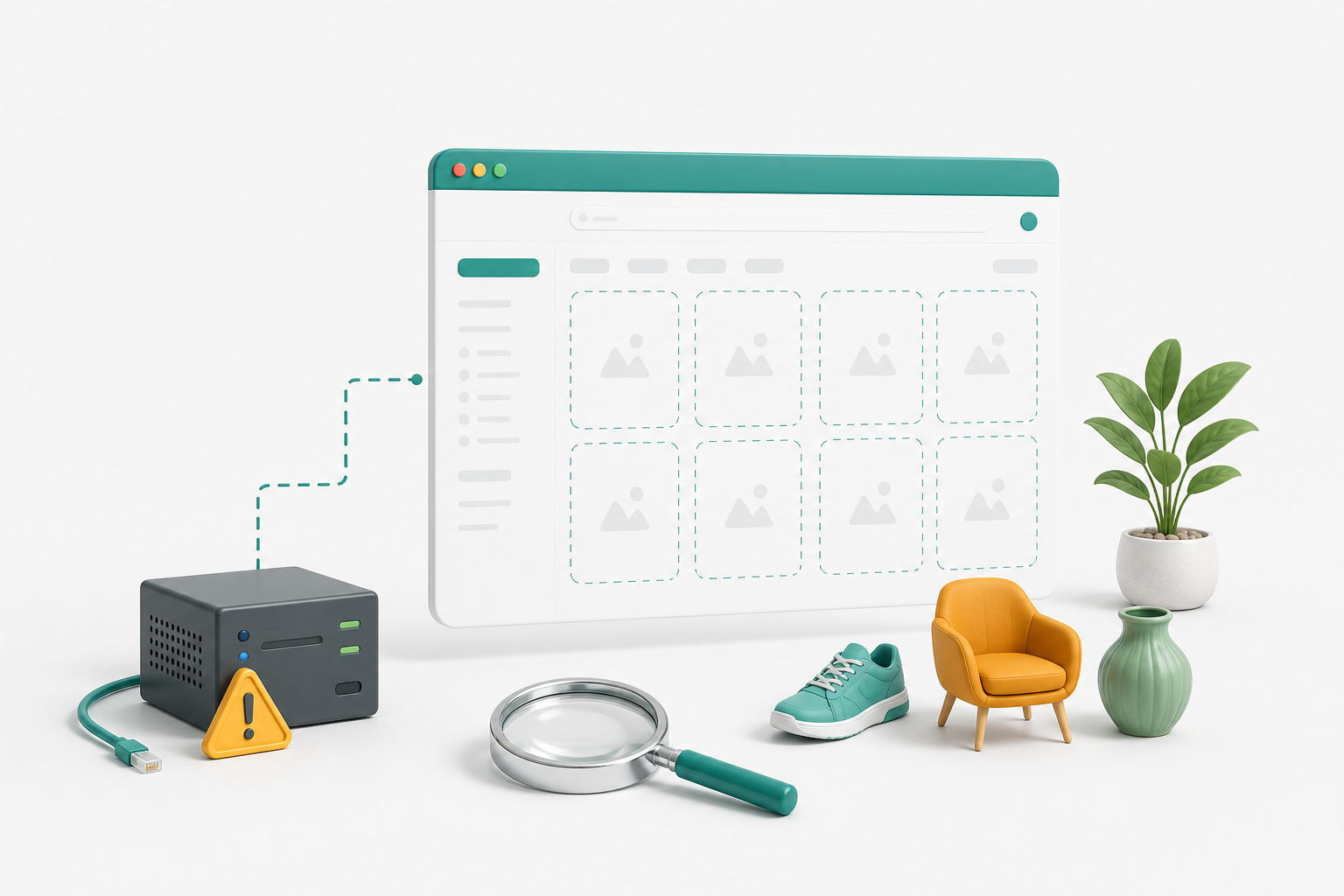
From Magento 2.4 onwards, category listings are served through Elasticsearch or OpenSearch, not directly from the database. A search service that is down, unreachable, or missing its index returns an empty result set, and the category page renders as an empty grid.
The key point: The page, its title, and its layered navigation shell can all look completely normal while the listing is empty.
Most troubleshooting checklists start with product visibility and stock settings. Those are the right answers for a single missing product and the wrong answers when every category on the store went blank at the same moment.
Read the Pattern First
The pattern tells you which cause you are dealing with, and it takes seconds to establish.
Every Category Is Empty and Site Search Returns Nothing
The search service or its index is the cause. Go to the checks below.
One Category Is Empty, Search Works
This is product-level: assignment to the category, visibility, website assignment, or enable status.
One Product Is Missing From an Otherwise Healthy Category
Same product-level checks, plus stock.
Empty for Logged-Out Visitors Only, or Only on Some Pages
Suspect full page cache holding a copy of the page from while the site was broken.
The single most useful test is your own search box. If search is broken too, stop looking at product settings.
Why the Search Engine Decides What a Category Shows
Magento 2.4 made Elasticsearch, and later OpenSearch, a hard requirement. Category browsing, layered navigation, and search all resolve through the same fulltext index.
That is good for performance and consistency, and it has one consequence people underestimate: the search service is now on the critical path for pages that have nothing obviously to do with search.
Which is why a store can present a perfectly healthy home page, a working cart, and a functioning checkout, while every single category page is empty. Uptime monitoring that only checks the home page will report the store as up throughout.
Step-by-Step: Checking the Search Service
Step 1 - Confirm the Service Is Running and Reachable
Check from the web nodes, on the configured host and port, not from your laptop. A service that is up but unreachable because of a firewall or a changed host name looks identical to one that is down.
Step 2 - Use the Admin Connection Test
Stores > Configuration > Catalog > Catalog Search
A failure here is conclusive, and it is the fastest evidence to hand to a hosting provider.
Step 3 - Check Indexer Status
bin/magento indexer:status
Look at catalogsearch_fulltext in particular. An invalid index will not repopulate itself until a reindex runs.
Step 4 - Read the Logs
var/log/exception.log and var/log/system.log.
Connection failures against the search host, clustered around the time the pages went blank, close the case.
Fixing It
Get the service back up, then reindex catalogsearch_fulltext. If the service was restarted from empty or replaced, the index no longer exists and a reindex is mandatory rather than optional.
Flush the full page cache afterwards. Pages cached while the site was broken will keep serving empty categories to visitors long after the underlying problem is fixed, and that last step is skipped often enough to be worth stating on its own.
On managed hosting the search service is usually provided and maintained by the host, so an outage there is theirs to explain even when the visible symptom is on your store. Ask for the incident detail rather than accepting a restart as the whole answer, because a service that failed once will usually fail again.
Product-Level Checks, When Only One Category Is Affected
Work through these in the admin:
- The product is assigned to the category
- Enable Product is set to Yes
- Visibility is "Catalog", "Search", or "Catalog, Search". A product set to Not Visible Individually will never appear, which is a common accident on products created by an import
- The product is assigned to the website the category belongs to
- The product is in stock, or Stores > Configuration > Catalog > Inventory > Display Out of Stock Products is enabled
- The category's own Display Settings are not restricting what appears
- The category itself is enabled and included in the menu
After changing any of these, let the relevant indexers run before you judge whether the change worked. A surprising share of "it did not fix it" reports are just impatience.
Preventing Repeat Incidents
- Monitor the search service directly, not only the site's home page. A store can serve a healthy looking home page while every category is empty
- Watch indexer status. An indexer that has been invalid for days is an outage nobody has noticed yet
- After any platform or hosting change, spot check two or three category pages and one search query
That last check takes thirty seconds and catches this specific failure before customers do.
FAQs
Why is my Magento 2 category page empty?
Most often the catalog search service is down or its index is missing, because Magento 2.4 serves category listings through Elasticsearch or OpenSearch.
How do I know if it is the search engine and not a product setting?
Use the site search box. If search returns nothing either, it is the search service.
Do I need to reindex?
Yes, if the search service lost its data. Reindex catalogsearch_fulltext, then flush the full page cache.
Why do pages stay empty after the fix?
Full page cache. Flush it.
Is OpenSearch required?
OpenSearch is the recommended default from Magento 2.4.6 onward. Elasticsearch 8 is still selectable on 2.4.6+ but flagged deprecated, and earlier Magento versions use Elasticsearch 7.
Next Steps
To keep category pages populated:
- Test the search box first whenever a listing looks wrong
- Alert on search service availability and indexer status
- Reindex and then flush the cache, in that order
- Spot check category pages after every upgrade or migration
Related reading: the Magento 2 quick setup check covers search engine configuration and indexers as part of a wider post-install audit.