

Overview
A back-in-stock alert lets a visitor on an out-of-stock product page leave their email, then messages them the moment the item is sellable again, turning lost sales into a queue of buyers waiting for your next delivery. It closes a real leak: when a product sells out, its page keeps attracting the exact shoppers who want it most, and with no way to capture them you lose every one of those sales twice, once now, and again when you restock and they never come back.
Magento Open Source includes a basic version of this, but it is disabled by default, only serves customers who are logged in, and sends each subscriber a single alert on a cron schedule with no sense of urgency or scarcity. That is enough to prove the idea and rarely enough to convert it well.
Key point: an out-of-stock page is not a dead end, it is a capture point; the money is in signing up the demand and converting it fast when stock returns.

How does a back-in-stock alert work in Magento?
The mechanism has two halves: capture and fire.
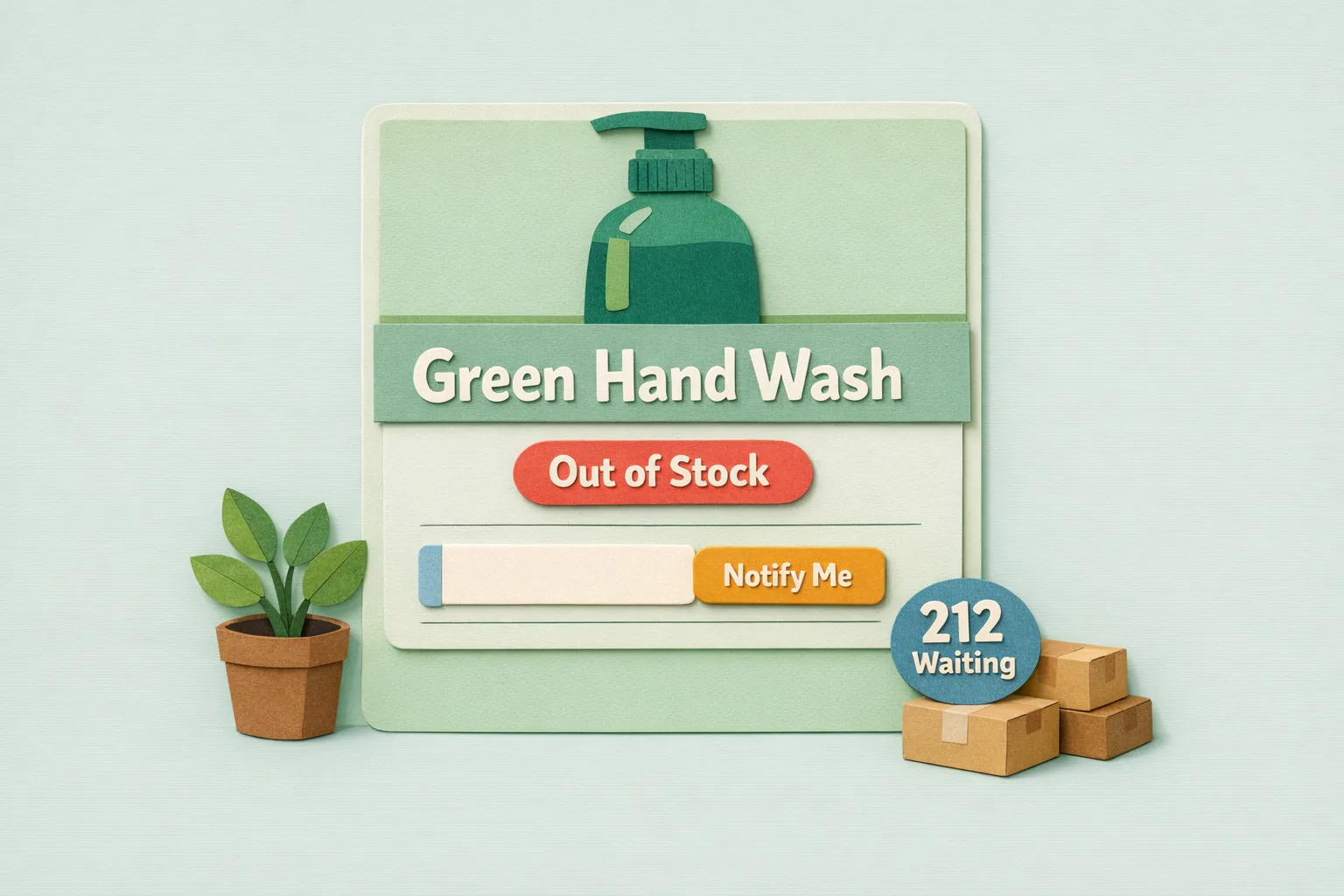
Capture happens on the product page. When an item is not sellable, you replace the missing Add to Cart with a short sign-up, the visitor submits their email, and Magento stores a subscription against that product.
Firing is where the important detail lives. Magento decides an item is "back" by checking whether the product is salable, a plain yes or no answer, not a quantity. Internally the alert calls the product's own isSalable() test. That salable status is driven by the Salable Quantity rising back above your Out-of-Stock Threshold, but by the time the alert looks, it is a boolean flip. The consequence matters: a single unit is enough to trip "back in stock", even if that unit sells in seconds. For how Salable Quantity itself is calculated from source quantity, reservations, and the threshold, see the inventory management guide linked below; this guide is about what happens at the capture-and-convert layer once an item flips salable.
What does core Magento give you out of the box?
More than most stores realise, and less than they need.
The feature is Product Alerts, found at Stores > Configuration > Catalog > Catalog > Product Alerts. Set Allow Alert When Product Comes Back in Stock to Yes, and a logged-in customer viewing an out-of-stock product can ask to be notified when it returns. You also set the Stock Alert Email Template and the Alert Email Sender here.
Alerts are not sent the instant stock returns. They are queued and dispatched by a cron job you schedule under Stores > Configuration > Catalog > Catalog > Product Alerts Run Settings, where you set the Frequency and Start Time. So the real sequence is: you restock, then at the next scheduled run Magento checks each waiting product's salable status and emails everyone still subscribed to the ones that are now sellable.
Two limits are built into that design. It only works for logged-in customers, because the subscription is tied to a customer account, so guests, who are a large share of most traffic, cannot sign up at all. And the alert is one-shot: once Magento sends a subscriber their email, it marks that subscription as sent and never fires it again, so a customer who misses the window has no automatic second chance and no visibility that they have dropped off the list.
Why do back-in-stock alerts recover lost sales?
Because the demand is already qualified. A shopper who reaches an out-of-stock product page searched for, found, and wanted that specific item at the moment they were ready to buy. That is the highest-intent traffic you have, and without capture it bounces and is gone.
Signing that shopper up converts a one-time miss into a durable lead. When you restock, you are not advertising to a cold audience, you are telling people who already chose the product that it is available. A back-in-stock list is the warmest reorder audience your store has, built entirely from demand you would otherwise have lost. The counted sign-ups are also a forecast: the number of people waiting on an item tells you how much to reorder and which lines to prioritise.
How to set up back-in-stock alerts properly
Step 1 - Turn the native feature on
Set Allow Alert When Product Comes Back in Stock to Yes under Stores > Configuration > Catalog > Catalog > Product Alerts, then confirm the alert email template and sender are branded rather than the defaults. This is the baseline capture, for logged-in customers only.
Step 2 - Schedule the run and mind the lag
Set a sensible Frequency under Product Alerts Run Settings. This is the delay between stock returning and the emails going out. Too infrequent and your fastest-selling restocks are gone before anyone is told; the run cadence is effectively how fresh your "back in stock" promise is.
Step 3 - Capture guests, not just account holders
The native feature ignores guests. Since guests are often the majority of an out-of-stock page's traffic, a sign-up that accepts an email address without forcing account creation captures demand core Magento discards.
Step 4 - Say something urgent when stock is thin
If only a few units returned, every subscriber racing to the same page means most arrive to find it sold out again. An alert that signals limited availability, and that goes out promptly, converts more of the list on the units you actually have.
Step 5 - Convert the click, do not just announce
The alert should land the customer on the product ready to buy, not on a generic page. The job of the email is not to inform, it is to sell the unit before the next shopper does.
Common mistakes
Mistake 1 - Firing on a single unit with no scarcity
Because "back in stock" is a boolean flip, one returned unit emails everyone waiting. Without a scarcity message, the first click buys the unit and the rest of your list arrives to an out-of-stock page a second time, which erodes trust in your alerts. Signal limited stock and send fast.
Mistake 2 - Leaving capture to logged-in customers only
Relying on the native feature alone means every guest who wanted the product is uncaptured. On a page whose whole value is the demand hitting it, turning most of that demand away is the costliest mistake here.
Mistake 3 - Treating the one-shot alert as a subscription
Core Magento sends one email per sign-up and then retires it. Customers assume they are on an ongoing list; they are not. Without a re-subscribe path, anyone who missed the window is silently gone, so a proper solution keeps them subscribed until they actually buy.
Advanced: turning the waiting list into a growth signal
- Demand as a purchase-order input. Two hundred people waiting on one product and three on another is a reorder plan written by your customers. Core captures the sign-ups but never surfaces the count; a solution that reports it turns intent into forecasting.
- Restock timing. Sign-up velocity tells you not just what to reorder but how urgently, so a fast-filling waiting list can jump the queue.
- Segmented, urgent sends. For thin restocks, alert the earliest sign-ups first, or lead with genuine scarcity, so the units you have convert the people who waited longest.
- Reporting per product. A waiting-list count beside each out-of-stock line makes the recoverable revenue visible, so restocking decisions follow demand rather than guesswork.
Where Moogento Fits
Core Magento captures back-in-stock intent from logged-in customers, sends one alert on a cron run, and shows you nothing about who is waiting.
NotifyMe turns that bare flag into a recovery tool. It lets any visitor, guests included, register interest on an out-of-stock product; it reports how many people are waiting on each item so the list doubles as a demand forecast; and it keeps subscribers on the list until they convert rather than dropping them after one send. It is the capture-and-convert layer this guide describes, sitting on top of the salable-status mechanics Magento already provides.
Real-World Impact
Stores that capture and convert back-in-stock demand typically see:
- Recovered revenue from sales that were previously lost outright the moment an item sold out.
- Warmer restock launches, because the first buyers are people who already chose the product.
- Sharper purchasing, because the waiting-list count per product tells them what to reorder and in what volume.
The out-of-stock moment is unavoidable; leaving the demand on the table is not.
FAQs
Does Magento have back-in-stock alerts?
Yes, Magento has back-in-stock alerts through its Product Alerts feature, but the stock alert is disabled by default. Enable Allow Alert When Product Comes Back in Stock under Stores > Configuration > Catalog > Catalog > Product Alerts. Note that the native feature only serves logged-in customers and sends each subscriber a single alert on a cron schedule.
How do I turn on back-in-stock notifications in Magento 2?
Turn on back-in-stock notifications at Stores > Configuration > Catalog > Catalog > Product Alerts by setting Allow Alert When Product Comes Back in Stock to Yes, then set the alert email template and sender. Schedule the sending under Product Alerts Run Settings by choosing a Frequency and Start Time for the cron run.
When does Magento decide a product is back in stock?
Magento decides a product is back in stock by checking whether it is salable, a yes or no test based on its salable quantity rising above the Out-of-Stock Threshold, rather than a specific quantity. This means a single returned unit counts as "back in stock", so an alert can fire even when only one unit is available.
Can guests sign up for back-in-stock alerts in Magento?
Guests cannot sign up with the native feature. Core Magento ties the alert subscription to a customer account, so only logged-in customers can register. Since guests are often the majority of traffic on an out-of-stock page, capturing them requires an extension that accepts an email without forcing account creation.
Why did my customers not get their back-in-stock email?
The common causes of a missing back-in-stock email are the cron run not being scheduled, the product not actually being salable at the run, or the alert already having been sent. Magento's native alert is one-shot: once a subscriber is emailed, that subscription is marked sent and never fires again, so a missed window leaves no automatic retry.
How fast are Magento back-in-stock alerts sent?
Magento back-in-stock alerts are not instant. They are queued and dispatched by the cron job you schedule under Product Alerts Run Settings, so the delay between restocking and the emails going out is set by your chosen frequency. For fast-selling items, an infrequent run can mean stock is gone before anyone is notified.
How do back-in-stock alerts help me forecast stock?
Every sign-up is a customer telling you exactly what they want, so the count of people waiting on a product is a demand signal built from real intent. A product with a long waiting list should jump your next purchase order. Core Magento captures the sign-ups but does not report the count, so surfacing it needs an extension.
Next Steps
- Enable Allow Alert When Product Comes Back in Stock and brand the alert email.
- Set a run frequency that matches how fast your stock actually sells.
- Capture guests, not only logged-in customers, on out-of-stock pages.
- Add scarcity and send promptly so thin restocks convert the people who waited.
The highest-value move is capturing guest demand and keeping subscribers on the list until they buy: it recovers sales core Magento discards and gives you a per-product waiting count to reorder against.
Related reading: Magento Inventory Management and Reduce WISMO: Proactive Order Tracking in Magento.