Pulse : Magento 2 Advanced Analytics Dashboard

Made for Magento® 2

smartcategories

A real-time store dashboard that shows you what's happening right now - and lets you cut the campaigns that aren't working

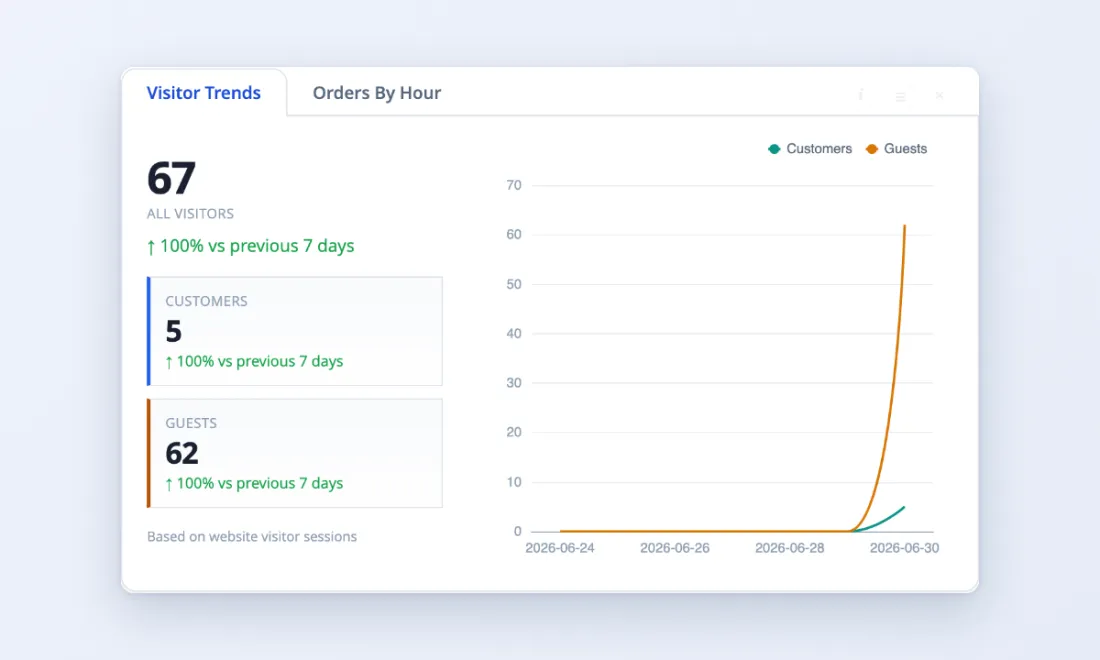
The standard features of Magento 2’s default dashboard tell you almost nothing useful. Pulse replaces it with live metrics, interactive charts, and at-a-glance comparisons that update every 30 seconds. Unlike Magento’s default reports, Pulse is an analytics dashboard built for store owners who need real-time data – not a tool where you have to create custom reports manually every time you want an answer.

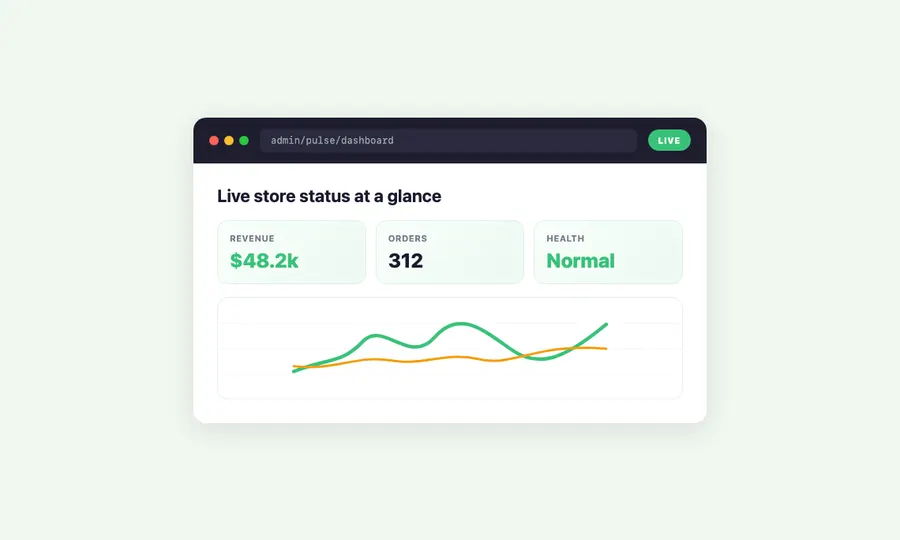
• Watch revenue, orders, and profit update live instead of waiting for end-of-day reports
• Get automatic alerts when revenue drops, refunds spike, or orders slow down – before customers start complaining
• Connect Google Ads to see which campaigns make money and which waste it – then pause the losers in one click

Stop guessing - replace your magento admin dashboard with live data

See today's numbers without running a single report

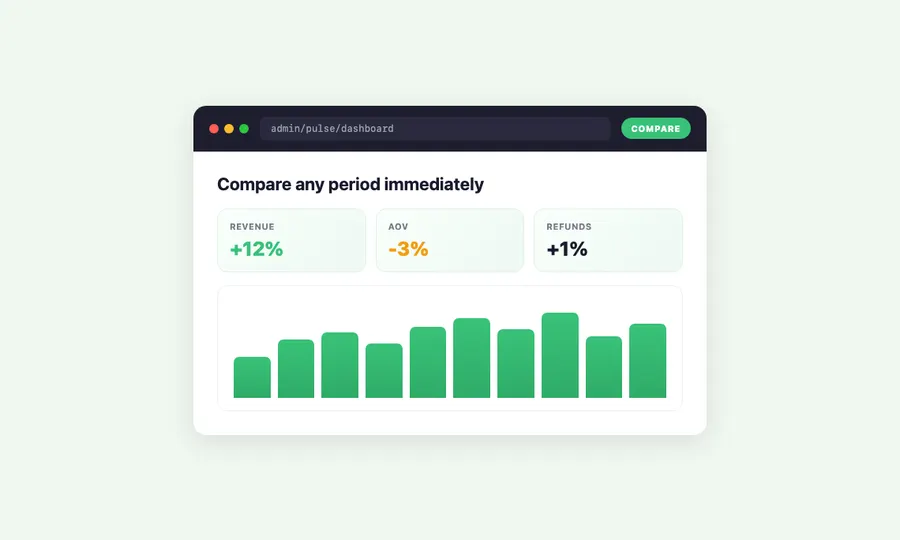
Compare any period at a glance

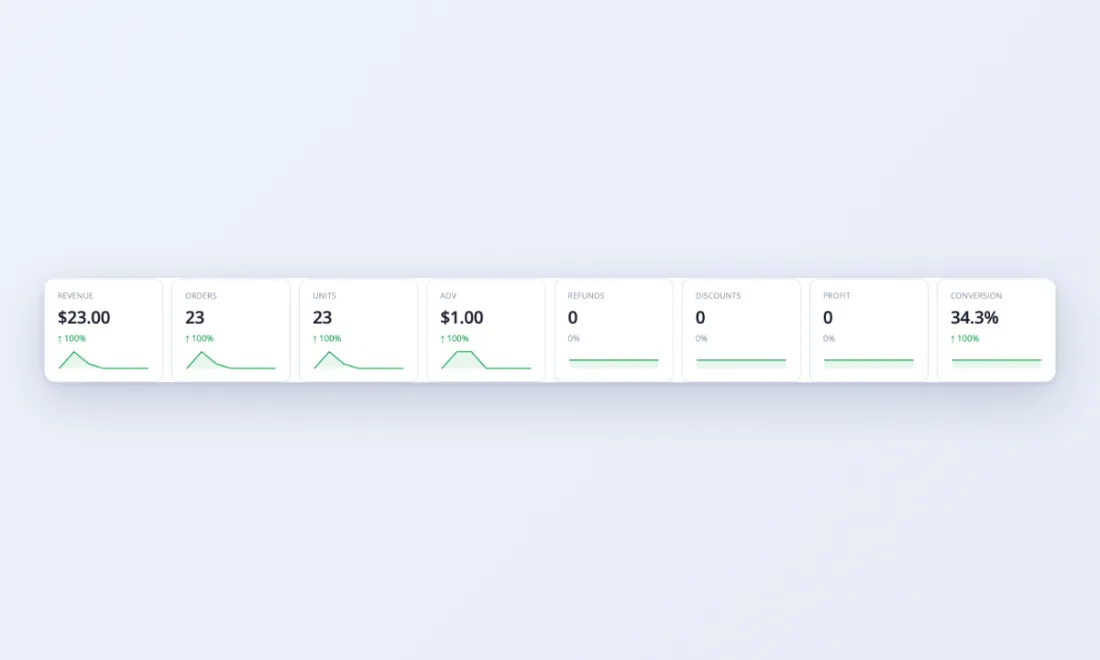
• KPI tiles show revenue, orders, average order value (AOV), units, refunds, and discounts – each with a percentage change vs. last period or last year
• Spot trends immediately: is revenue up 12% or down 8% compared to this time last week?
• Add profit tracking for margin-aware comparisons – know when revenue is growing but profit isn’t

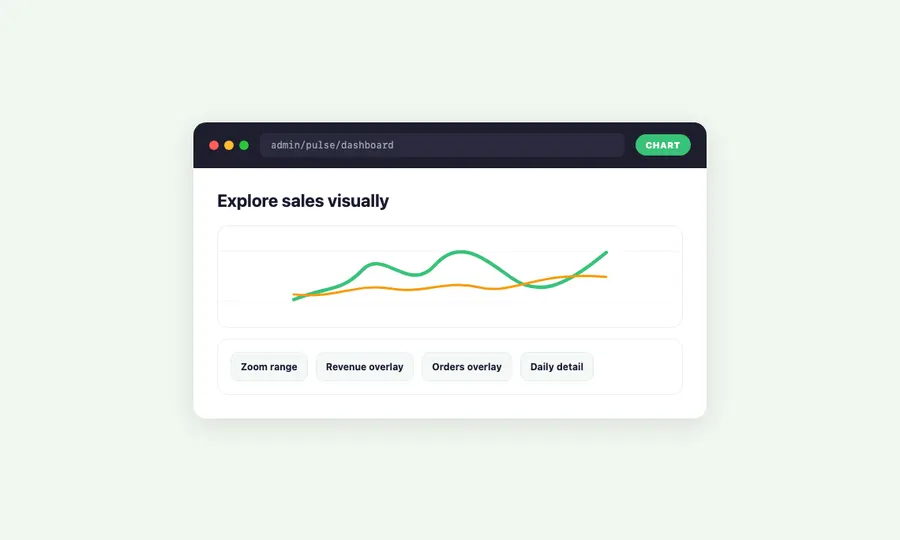
Magento analytics: explore your data visually

• Interactive revenue chart with zoom, pan, and hover details – click any data point to drill into the orders behind it
• Overlay multiple metrics on one chart: revenue and orders together, or AOV and refunds side by side
• Switch between line, bar, and stacked area views to see your data the way that makes sense to you – this is magento advanced reporting done visually
• Pulse automatically picks the right resolution – advanced reporting shows minute-by-minute data for today, daily summaries for the past month, monthly for the past year

Know when your customers are buying

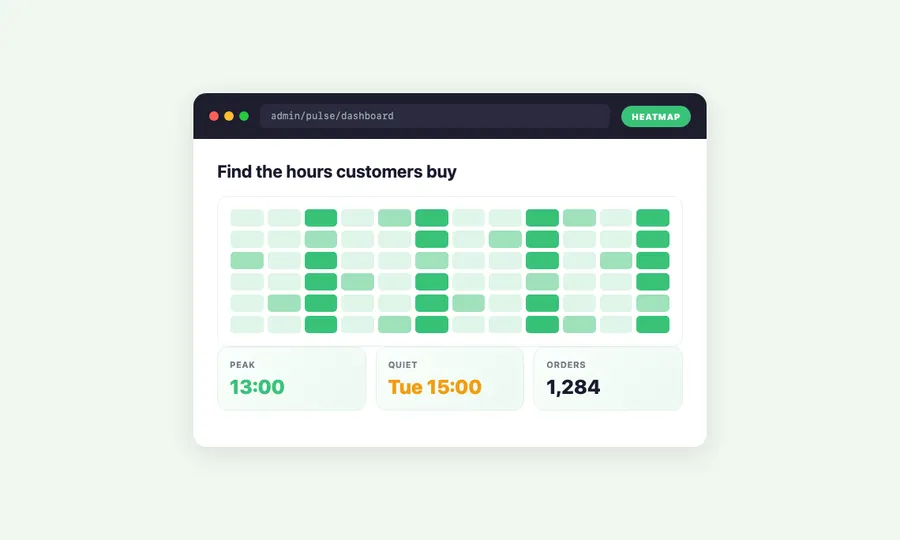
• An orders-by-hour heatmap reveals your busiest hours and quietest gaps across the week
• Use the heatmap to time promotions, plan staffing, and schedule campaigns when customers are already shopping
• See patterns you’d never find manually – some days spike in the morning, others late at night

Keep an eye on recent orders

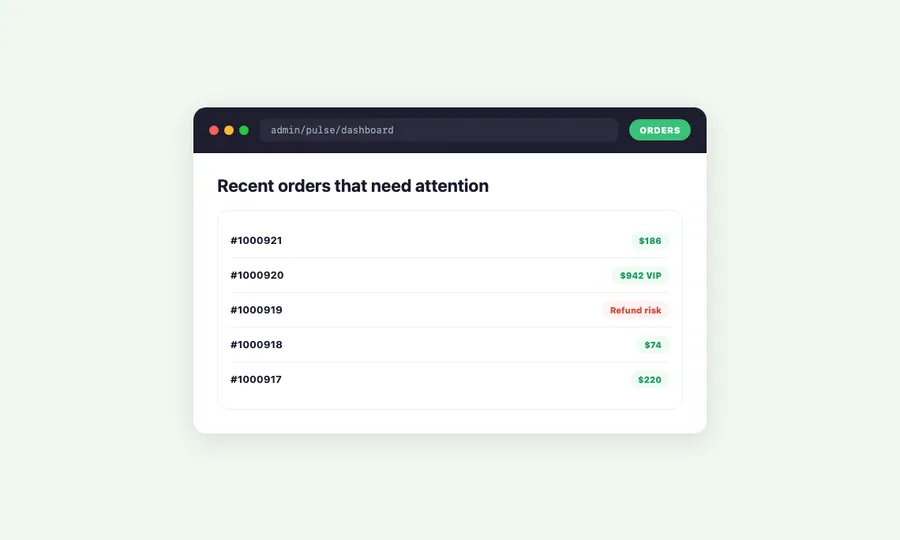
• A live order stream shows new orders as they happen – with status, value, items, and customer info
• One-click drilldown: click any order to see exactly what was purchased, which campaign brought the customer, and whether it was a new or returning buyer
• See order velocity in context: a surge of orders after a campaign launch confirms it’s working

Get warned automatically - no custom report needed

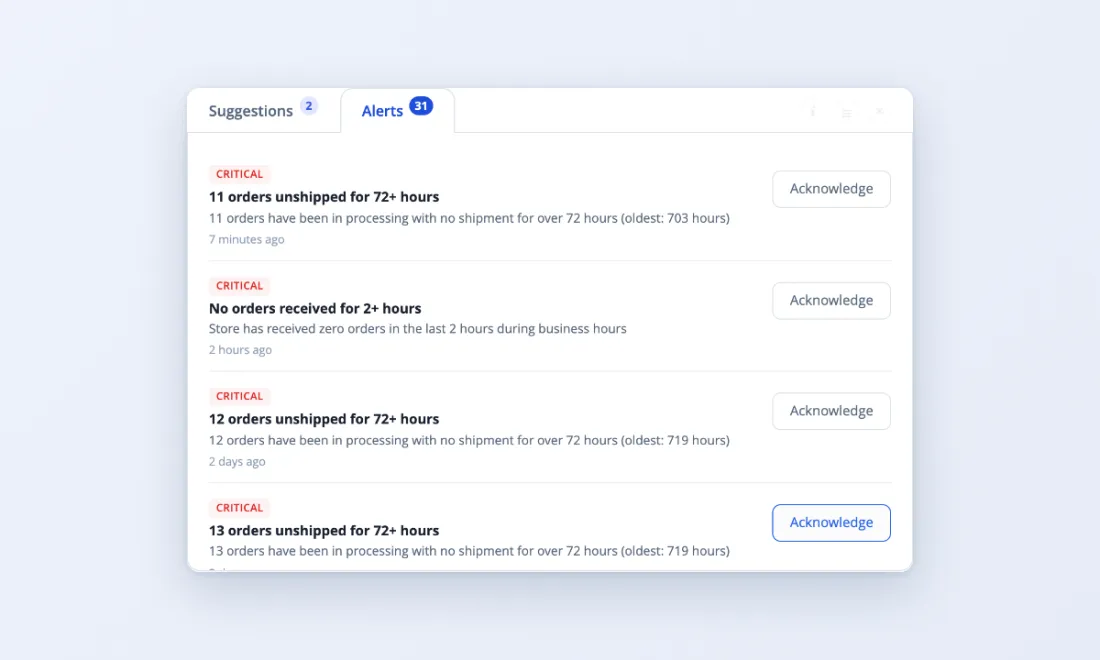
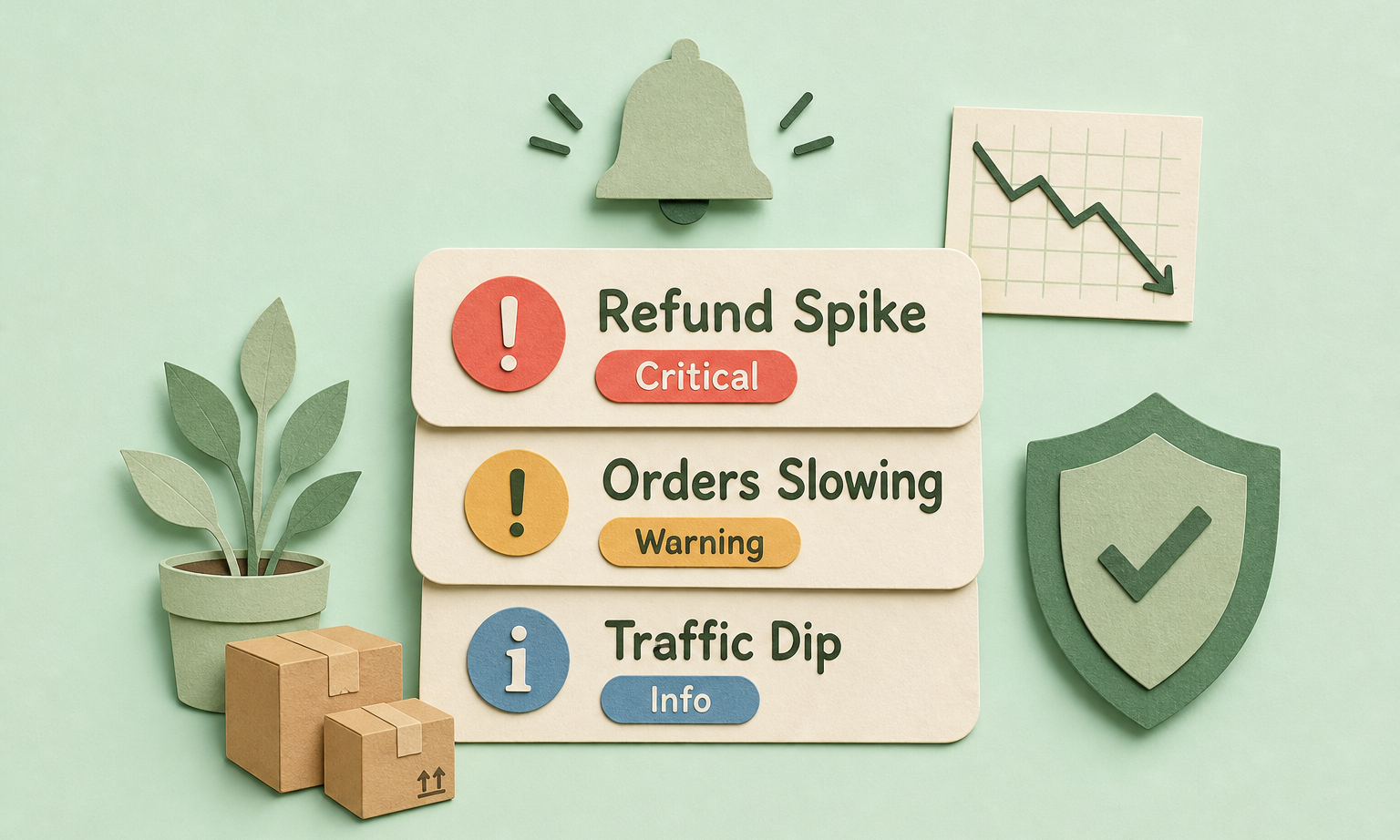
Pulse monitors your store around the clock. When revenue drops, refunds spike, or order velocity changes, it creates an alert – no configuration of custom reports needed. Traditional magento 2 advanced reporting requires you to check manually. Pulse tells you when something needs attention.

Automatic anomaly detection

• Revenue below baseline? Pulse flags it. Refund rate climbing? Pulse flags it. Orders slowing during a normally busy period? Pulse flags it.
• Baselines are calculated from your actual recent data – not industry averages or arbitrary thresholds
• Alerts appear in the admin panel with context: what changed, by how much, and when it started

Tune sensitivity to your store

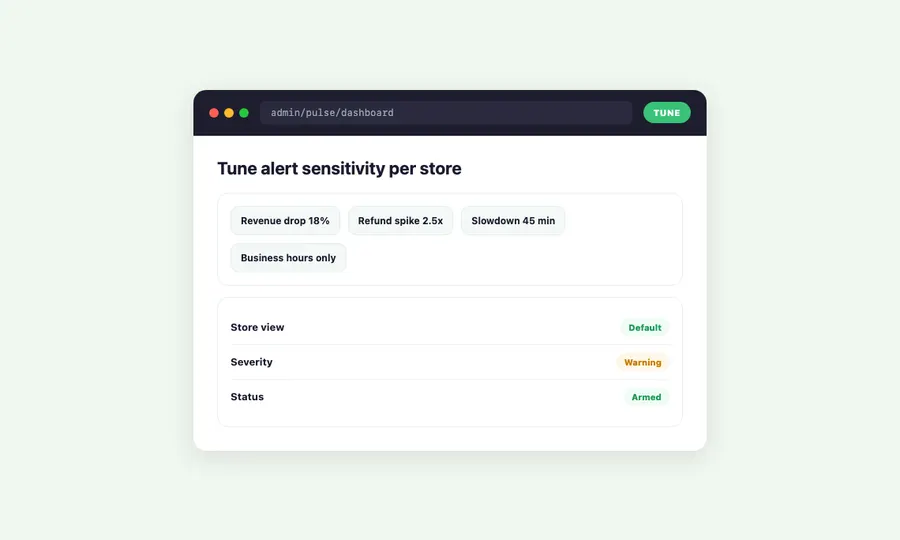
• Adjust sensitivity for each alert type – a flash sale store might want looser thresholds than a steady B2B store
• Set different alert levels: you might want to know immediately about a revenue drop but only see refund alerts at the end of the day
• Snooze or dismiss alerts that don’t need action – the system learns nothing from dismissals, keeping baselines clean

See which campaigns actually make you money - live magento report data

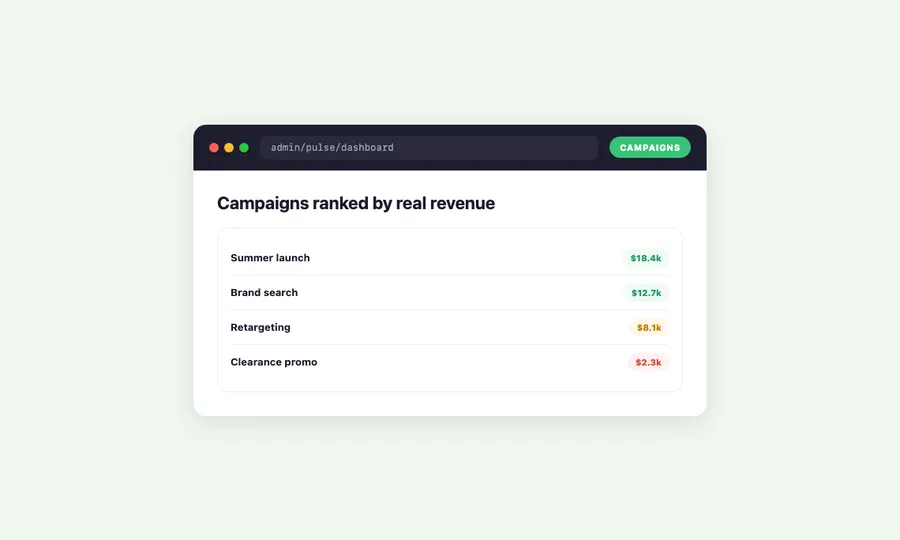
Campaign Analytics connects your marketing efforts directly to actual store revenue – not vanity metrics. By integrating with ProfitEasy, Pulse tracks every order back to its traffic source, campaign name, and search terms. This gives you a marketing dashboard that shows real ROI for every campaign.

Rank your campaigns by what matters

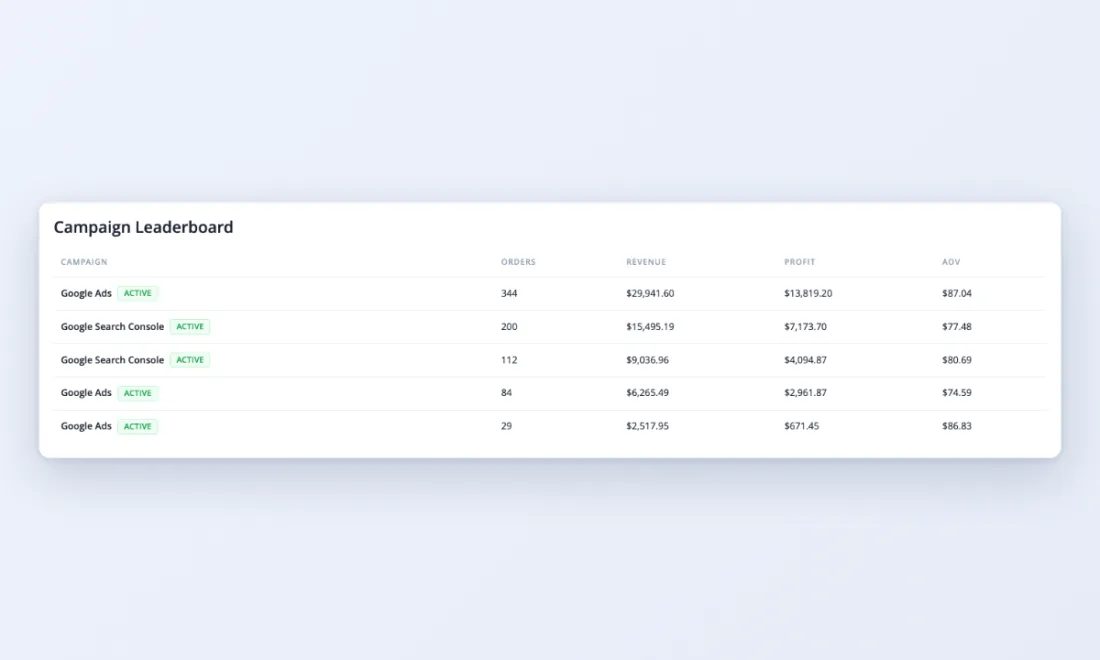
• A leaderboard shows your top campaigns by real revenue – not estimated conversions
• Each campaign gets a health score: working, mixed, not working, or needs more data
• Period-over-period comparison shows which campaigns are growing and which are fading

Spot winners and losers fast

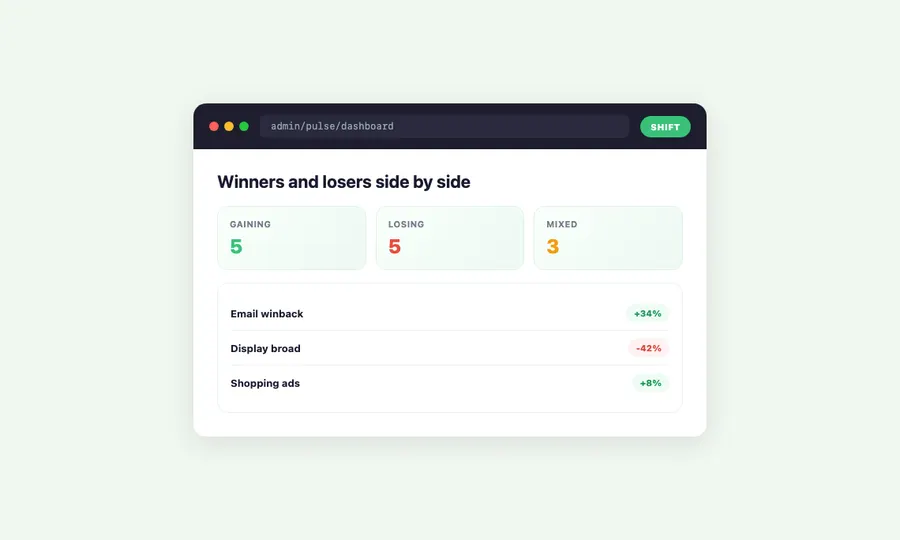
• A side-by-side view highlights the five campaigns gaining the most revenue and the five losing the most
• See the percentage change and order volume shift together – a campaign might have more orders but less revenue per order

Understand your traffic sources

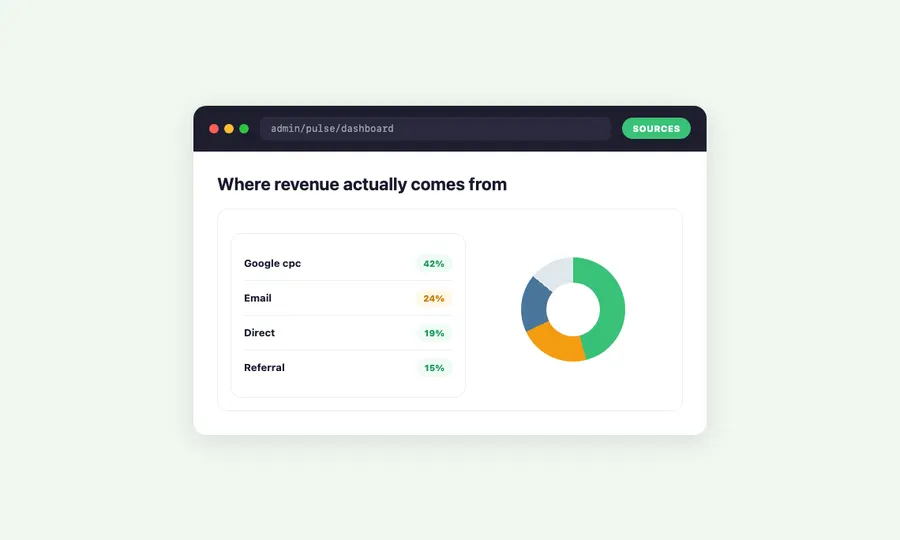
• A pie chart breaks down revenue by source: Google, direct, email, organic, paid, social, referral
• See at a glance where your money actually comes from – the answer is often surprising

Know how devices affect your revenue

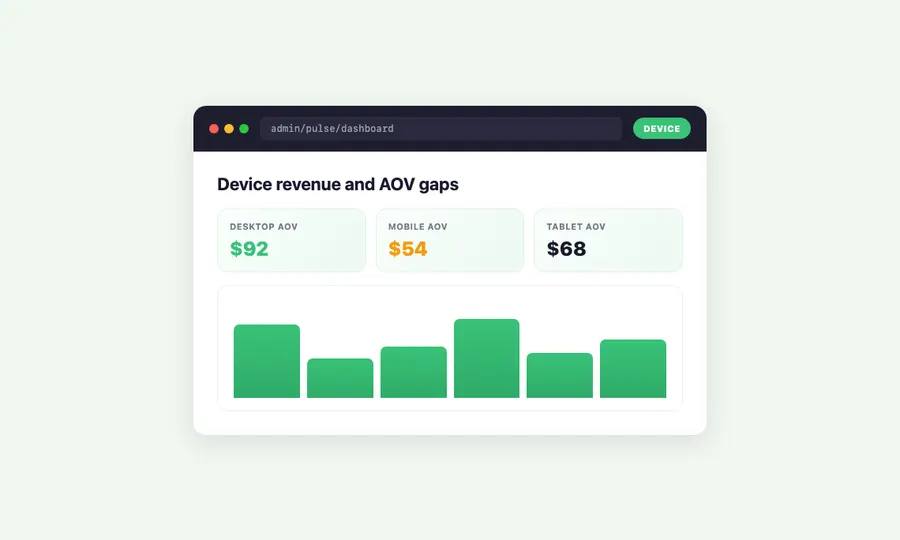
• See how campaigns perform across mobile, desktop, and tablet – some campaigns convert well on desktop but poorly on mobile
• Device-level revenue breakdown helps you decide where to optimize: if 60% of campaign traffic is mobile but only 30% of revenue, your mobile checkout needs work

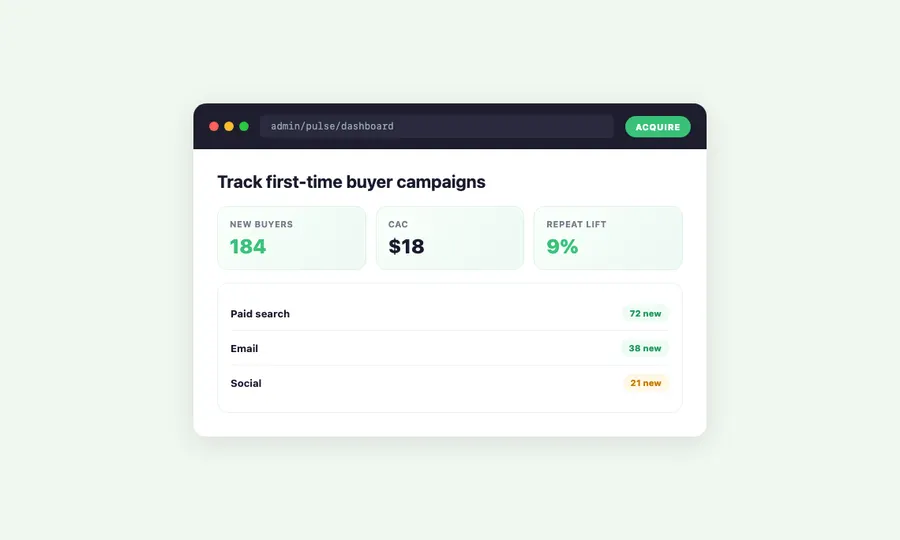
Track new customer acquisition

• See which campaigns bring first-time buyers vs. returning customers
• New customer percentage by campaign helps you identify acquisition channels vs. retention channels
• A campaign with 80% new customers at a healthy AOV is more valuable for growth than one with high revenue but only repeat buyers

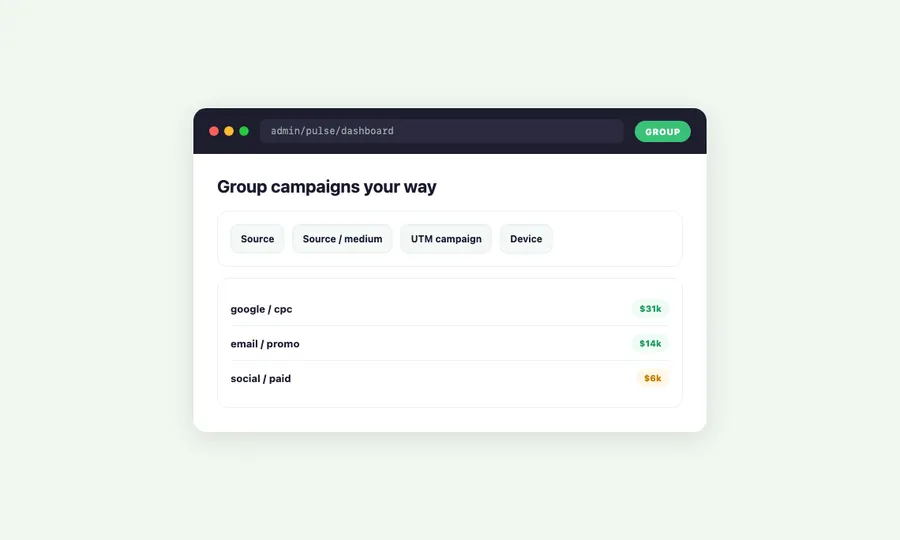
Group campaigns your way

• ProfitEasy captures UTM parameters and referrer data automatically – every order gets tagged with its traffic source
• Define campaign groups in ProfitEasy to combine related UTM campaigns into a single reporting group
• Switch between individual campaign view and grouped view to see both the forest and the trees

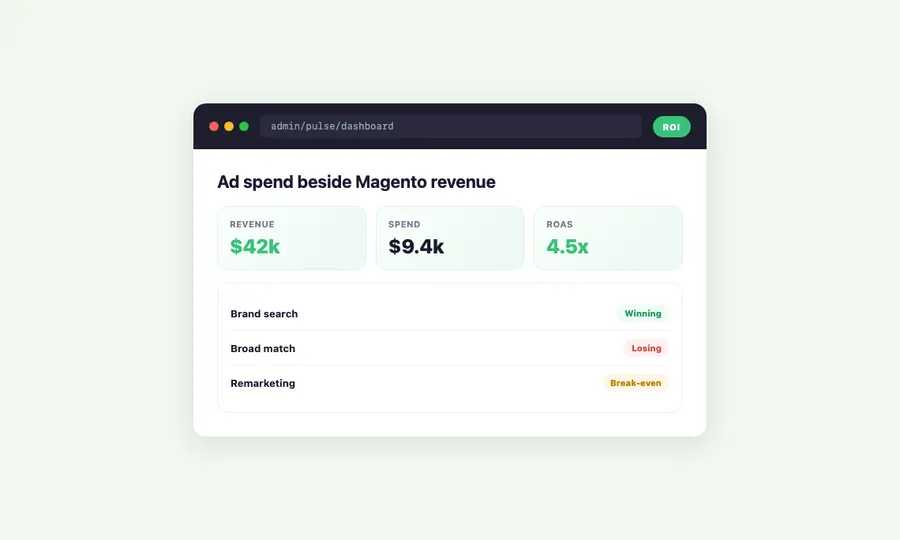
Connect ad spend to your magento dashboard and see true roi

Campaign revenue means nothing without knowing what you spent to get it. Pulse connects to ProfitEasy’s ad spend tracking to show actual ROI: revenue minus ad cost, per campaign. This is true magento business intelligence – connecting ad platforms to your store data in one view, from click through to completed purchase.

See spend alongside revenue

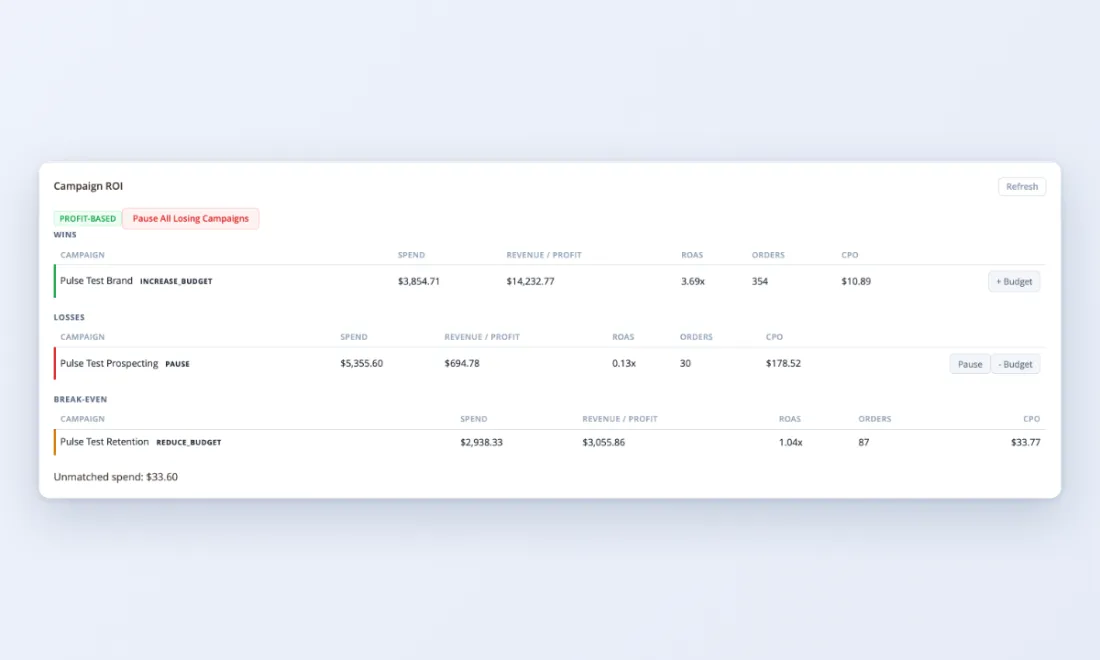
• Each campaign row shows revenue, spend, and calculated ROI side by side
• Color-coded ROI indicators: green for profitable campaigns, red for money-losing ones, yellow for break-even
• Sort campaigns by ROI to instantly see which deserve more budget and which should be paused

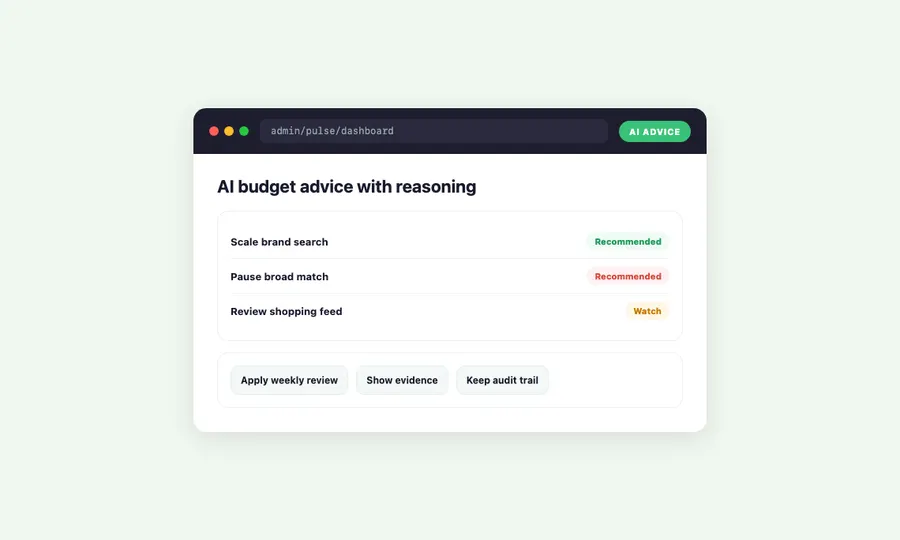
Get ai-powered budget advice

• AI budget suggestions analyze campaign performance patterns and recommend where to shift spend
• Get specific recommendations: “Campaign X has 340% ROI – consider increasing budget by 20%” or “Campaign Y is losing $45/day – review or pause”
• Recommendations update as data changes – what was a winner last week might need adjustment this week

Take action without leaving magento

• AI suggestions come with direct links to the relevant campaign settings in your ad platform
• No context-switching: see the problem, understand the suggestion, click through to fix it – all from your magento admin panel
• Campaign analytics works with any traffic source ProfitEasy tracks: Google Ads, Meta, email platforms, affiliate networks, or custom UTM-tagged links

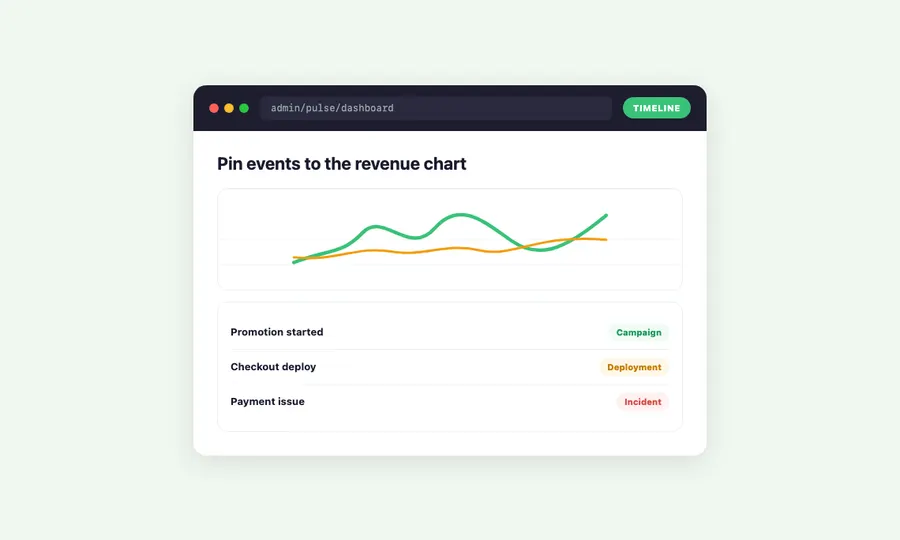
Mark events on your revenue timeline for smarter magento 2 advanced reporting

Pin promotions, deployments, incidents, and campaigns to your revenue chart – then see exactly how each event affected your numbers

Annotate with context

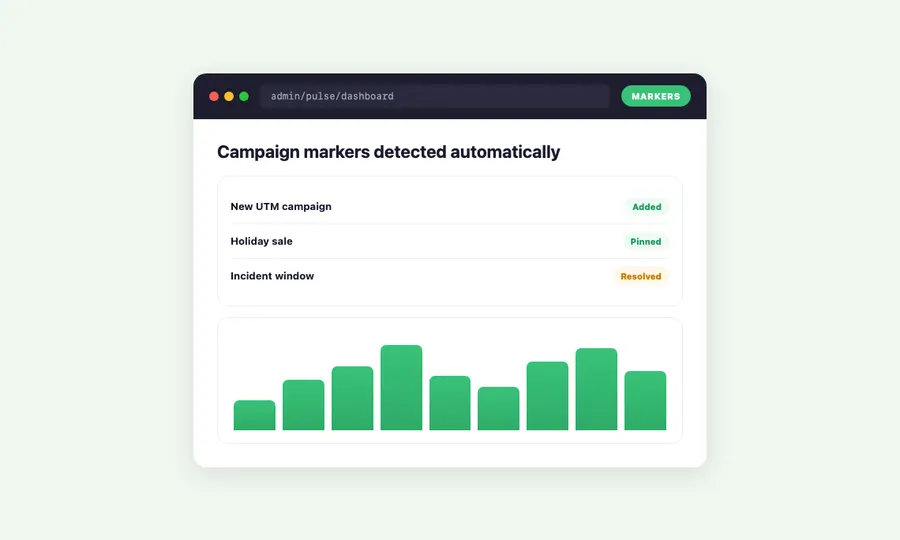
Automatic campaign markers

Magento business intelligence at any scale - with zero storefront impact

Instant dashboard loads

• No external API calls when you load the dashboard – all data lives in local summary tables
• First paint under one second on typical Magento servers
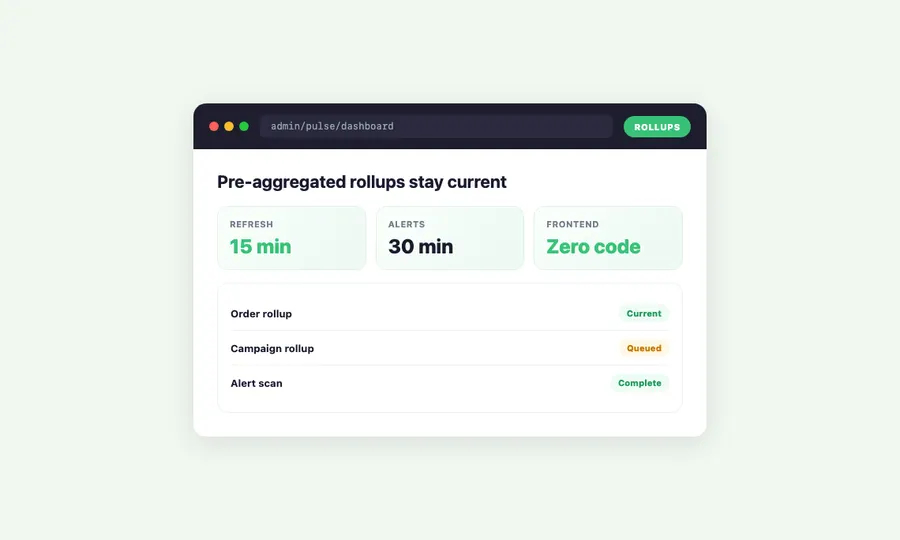
• Background cron jobs pre-aggregate data so the dashboard never has to query raw order tables in real time

Always current

• Data refreshes automatically in the background every 15 minutes
• Alerts run every 30 minutes independently
• Cache updates when new orders arrive – you always see current numbers

Multi-currency and multi-store ready

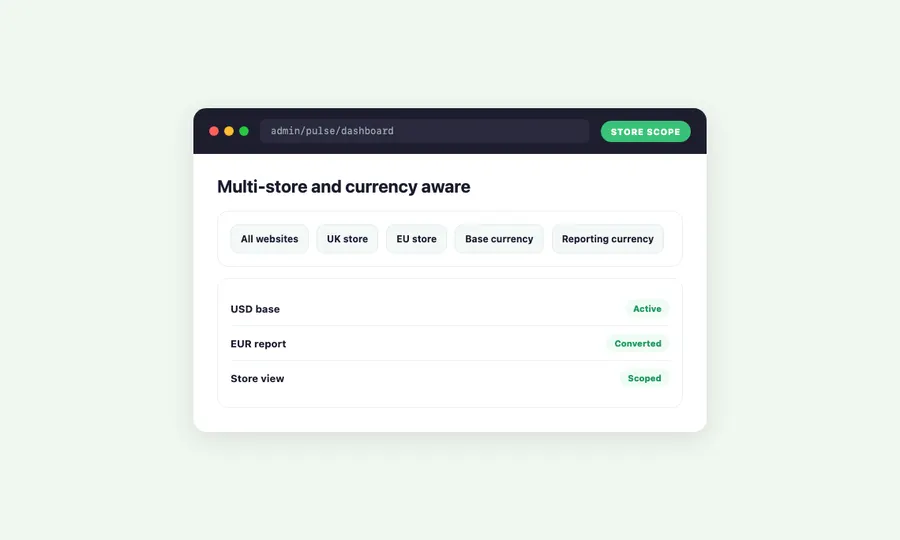
• Three currency strategies for international stores: skip conversion, use base currency, or use reporting currency
• Scope your dashboard to any store view, website, or your entire business
• All metrics, alerts, and campaign data are store-aware

Advanced reporting features across three plans for every stage of growth

Easy setup and integration - configure in minutes

• Install via Composer, run setup:upgrade, and your dashboard is ready in minutes – no code changes needed
• Works alongside your existing Magento stack – compatible with custom themes, third-party extensions, and standard Magento checkout flows
• Even better with ProfitEasy for campaign tracking and ad spend data – designed to work together seamlessly

30 day Moneyback Guarantee – we want your

We’re confident Pulse will transform how you understand your store – try it with the demo store or get in touch to ask questions.

Ready to see your store data in real time? 🚀

Annual
Monthly

Pro

$ 83
33
/month
  • Everything from Growth, plus:
  • Sales-Driven Ranking

    ✓ Rank by sales velocity and conversion
    ✓ Let real data pick the winners


    What's included?
    • ProfitEasy integration for performance metrics
    • Weighted scoring using sales velocity and conversion rate
    • Graceful fallback if ProfitEasy is missing or data is stale

    Benefits:
    • Spotlight products that actually convert
    • More revenue from category pages
  • Optimization Modes

    ✓ Choose your ranking strategy
    ✓ Set per category or use a global default


    What's included?
    • Modes: Performance-first, Behavior-first, or Balanced
    • Global default mode plus per-category override
    • Blended scoring across availability, behavior, and performance

    Benefits:
    • Match ranking to category intent
    • Faster tuning without dev time
  • Priority Bands + Transparency

    ✓ Full control when scoring isn't enough
    ✓ Explainable ranking you can trust


    What's included?
    • Priority bands: Always Promote, Neutral, Never Promote
    • CLI score explanations and optional debug logging
    • Clear score components: availability, behavior, performance, boosts

    Benefits:
    • Zero black-box merchandising
    • Easier troubleshooting when rankings change
  • Comprehensive Onboarding ✓ Up to 4 hours of personalized onboarding included
    ✓ We'll install and configure the plugin for you
    ✓ This will cover most use cases and will let us set it up to most benefit your business
  • Priority Support ✓ Ongoing support
    ✓ Priority 1 business day SLA

Growth

$ 33
33
/month
  • Everything from Seed, plus:
  • Personalized Prioritization

    ✓ Sort by what shoppers view and buy
    ✓ Personalization that stays stock-safe


    What's included?
    • Recently viewed products boosted for returning visitors
    • Previously purchased products prioritized for logged-in customers
    • Configurable weights and boost caps to keep ordering stable

    Benefits:
    • More relevant category pages, higher engagement
    • No "viewed OOS" products jumping above in-stock
  • Campaign Boosts

    ✓ Promote key products instantly
    ✓ Schedule campaigns with start and expiry


    What's included?
    • Admin product boosts (global or category-specific)
    • Time-limited boosts with automatic start and expiry dates
    • Boost management UI with preview and CSV import/export

    Benefits:
    • Launch promos without manual re-sorting
    • Boosts never override in-stock-first ordering
  • GDPR-Safe Tracking

    ✓ GDPR-ready behavior tracking
    ✓ Control retention and caching impact


    What's included?
    • Configurable retention with automatic cleanup of expired data
    • Personalization modes: None, Segment, or per-customer AJAX
    • Control tracking window and signal weights

    Benefits:
    • Keep only the data you need
    • Tune performance vs personalization
  • Basic Onboarding ✓ Up to 1 hour of personalized onboarding included
    ✓ We'll install and configure the extension for you
  • Enhanced Support ✓ Ongoing support
    ✓ 1 Business day SLA
Popular

Seed

$ 16
67
/month
  • In-Stock First

    ✓ Sell what's available first
    ✓ Keep category pages stable


    What's included?
    • In-stock products ranked above out-of-stock
    • Stable, deterministic ordering (no visual jumping)
    • Optional stock filter in layered navigation

    Benefits:
    • Fewer dead clicks, smoother shopping
    • Less manual category maintenance
  • OOS Message + Alternatives

    ✓ Turn empty categories into next steps
    ✓ Keep shoppers browsing


    What's included?
    • Custom message when a category is fully out of stock
    • CMS block-ready messaging for flexible layouts/links
    • Related Collections: suggest sibling categories (configurable limit)

    Benefits:
    • Reduce bounce on out-of-stock categories
    • Guide customers to in-stock options
  • Auto-Hide OOS Categories

    ✓ Keep navigation relevant
    ✓ Reappear automatically when stock returns


    What's included?
    • Hide fully out-of-stock categories from the main menu
    • Auto-show again when products come back in stock
    • Configurable per store view (and per-category overrides)

    Benefits:
    • Cleaner menus during stock outages
    • Fewer dead-end clicks from navigation
  • Hide Discontinued SKUs

    ✓ Remove discontinued noise
    ✓ Hide EOL only when it's actually gone


    What's included?
    • Hide products that are both EOL and out of stock
    • Keep EOL products visible while they're still in stock
    • Configurable EOL attribute (default: stockeasy_eol)

    Benefits:
    • Customers see what you still sell
    • Cleaner categories without manual cleanup
  • Standard Support ✓ Ongoing support
    ✓ 2 Business day SLA

Frequently asked questions

What does pulse actually do?

Pulse replaces Magento’s default admin dashboard with a live analytics view of your magento store – a step beyond the built-in Magento 2 advanced reporting features. You see real-time revenue, orders, total sales, and health status – plus automatic alerts when something goes wrong. It gives store owners valuable insights to make informed decisions about their business.

How is pulse different from google analytics?

Google Analytics tracks website traffic – pageviews, sessions, bounce rates, conversion rate. Pulse tracks what actually matters: real revenue, profit margins, refund rates from your actual Adobe Commerce or Magento 2 orders. No tracking scripts, no cookie banners, no third-party data sharing – just your own order data.

Will pulse slow down my store?

No. Pulse is admin-only – it has zero storefront components. Your customers never see it, and it adds nothing to your page load times. Dashboard data comes from pre-built summary tables that update in the background.

How does the alert system work?

Pulse checks your key metrics every 30 minutes and compares them to recent baselines. When revenue drops below normal, refunds spike, or orders slow down beyond your configured thresholds, Pulse creates an alert. You can tune the sensitivity for each alert type to match your store’s normal patterns.

What do i need for campaign analytics?

Campaign Analytics requires the Pulse Growth plan and ProfitEasy (Growth+ plan). ProfitEasy tracks which traffic source, campaign, and search terms brought each order. This lets you evaluate your marketing campaigns by real revenue, not just clicks. Pulse then aggregates that into campaign performance reports.

Can i change how campaigns are grouped after setup?

Yes. You can switch between source-level, source-plus-medium, or full UTM campaign grouping at any time. Changing the grouping re-aggregates your historical data, so you can explore different views without losing anything.

How does ad spend tracking work?

Connect your Google Ads account and Pulse syncs your daily spend automatically. It then matches spend to the campaigns ProfitEasy is tracking, giving you ROI per campaign. AI then analyzes the patterns and suggests where to increase or decrease budget.

Does pulse work with multiple stores?

Yes. Pulse supports multi-store and multi-website setups. You can scope your dashboard to any store view, a specific website, or your entire business. Multi-currency handling is built in with three conversion strategies.

Can pulse replace magento’s default dashboard?

Yes. Pulse includes a standalone dashboard mode that replaces Magento’s default admin startup page. Instead of the nearly empty Magento dashboard, your admin loads directly into Pulse’s live analytics view.

Do i need other moogento modules?

Pulse works standalone for core dashboard features (live metrics, charts, alerts, heatmap). Campaign Analytics requires ProfitEasy (Growth+ plan) for traffic source tracking. Ad spend tracking requires ProfitEasy with Google Ads integration enabled.

How much historical data can i backfill?

Pulse can process your existing order history during installation. The backfill covers all standard metrics. Campaign and traffic source data only applies to orders placed after ProfitEasy is installed, since it needs to capture referrer data at order time.

Is pulse gdpr compliant?

Yes. Pulse processes only server-side order data that already exists in your Magento database. There are no frontend tracking scripts, no cookies, no third-party data transfers, and no personally identifiable information leaves your server. It’s admin-only analytics using your own first-party data.

Compatibility

Recent Magento® 2 Open Source & Commerce versions are supported.
(Open Source: 2.3.5-2.4.8; Commerce: 2.3.5-2.4.8)

Live demo

Turn your magento admin into a real-time command center - and make better business decisions every day

Annual
Monthly