

Overview
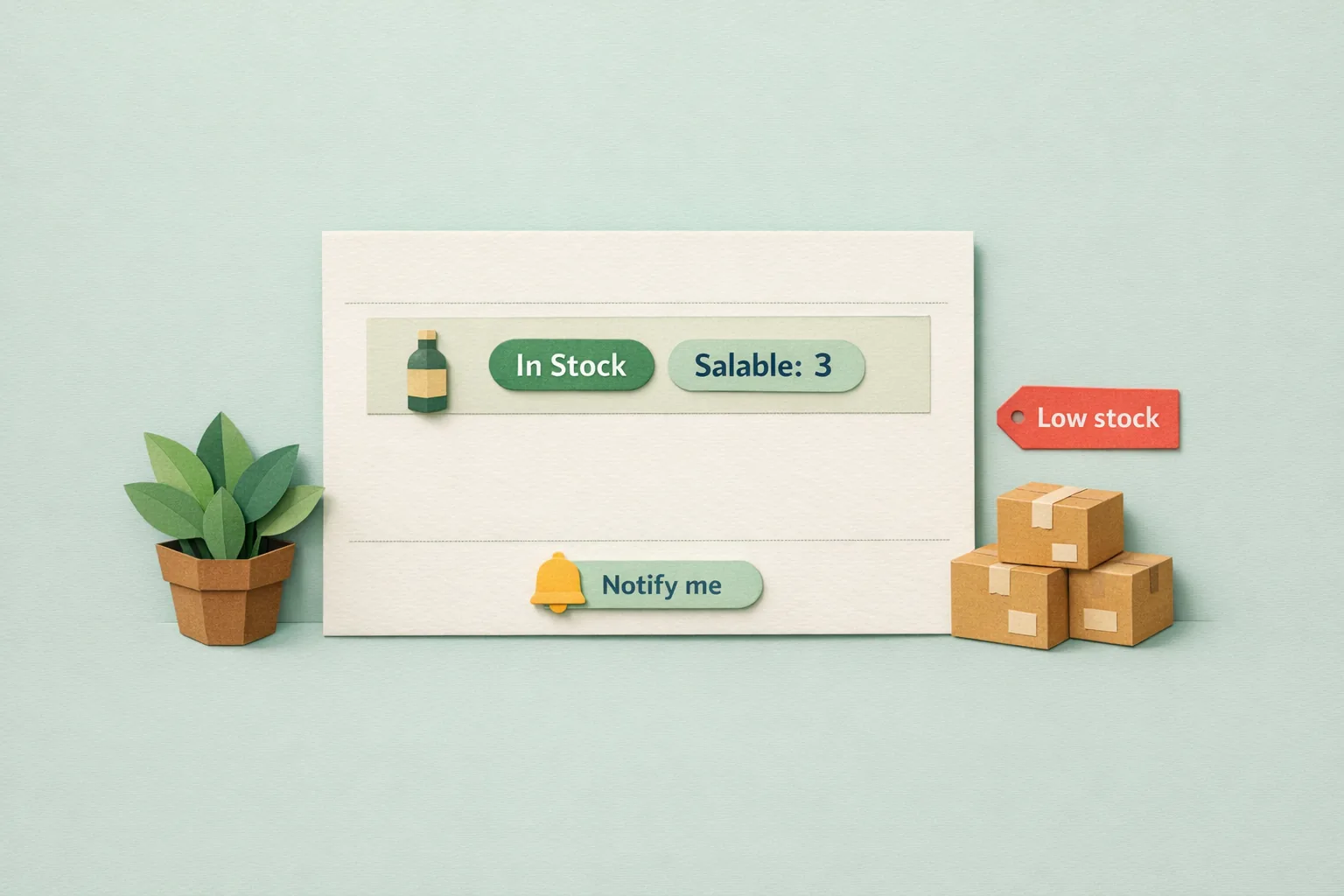
Magento 2 tracks two different numbers for every product, and confusing them is the most common cause of overselling and phantom stockouts. The Quantity you see on a product is the raw amount recorded against its source. The Salable Quantity is what can actually be sold right now: the source quantity, minus stock already promised to open orders, minus your out-of-stock threshold. Good inventory management is the discipline of watching the second number, not the first, and of turning the moments you run out into recoverable demand rather than lost sales.
Since Magento 2.3, stock is handled by Multi Source Inventory (MSI), a system of sources, stocks, and reservations that most store owners never fully learn. Get it right and you stop overselling, you reorder before you run dry, and you capture the customers who wanted a product you did not have.
Key point: manage the Salable Quantity and the reservation ledger behind it, not the headline Quantity figure, and treat every out-of-stock moment as demand you can win back.

How Magento 2 MSI Works: Sources, Stocks, and Reservations
Multi Source Inventory replaced the old single-warehouse model. Three concepts do the work.
A source is a physical place stock lives: a warehouse, a shop, a supplier's floor. Every store starts with one Default Source. You manage them under Stores > Inventory > Sources.
A stock is a sellable pool mapped to one or more sources and assigned to your sales websites. Every store starts with a Default Stock. You manage them under Stores > Inventory > Stocks. A website sells from exactly one stock; that stock aggregates the quantities of whichever sources feed it.
A reservation is the clever part. When a customer places an order, Magento does not immediately decrement the source quantity. Instead it writes a negative row into the inventory_reservation ledger. The physical source quantity only drops later, when you invoice or ship. This lets checkout stay fast and accurate under load without locking stock rows on every order.
Salable Quantity is then computed on demand as source quantity, plus the reservation total (which is negative), minus the Out-of-Stock Threshold. That single formula, from Magento's own GetProductSalableQty, is the whole game.
Why the Grid "Quantity" Column Misleads You
Open Catalog > Products and you see two columns: Quantity and Salable Quantity. They are almost never the same number, and the difference is not a bug.
Quantity is the raw source figure, the last value written to the database. It does not know about the twelve orders placed this morning that have not shipped yet. Salable Quantity does, because it subtracts the reservations for those orders in real time.
If you make purchasing decisions off the Quantity column, you will reorder late and oversell. A product can show Quantity 40 while its Salable Quantity is 3, because 37 units are already promised. Always read the Salable Quantity column; the Quantity column is a warehouse count, not an availability figure.
Low-Stock Reporting and Reorder Points
Magento gives you a native low-stock view, but you have to switch it on and know its limits.
Set a notify level per product under Catalog > Products, in the product's Advanced Inventory panel, as Notify for Quantity Below. The store-wide default lives at Stores > Configuration > Catalog > Inventory > Product Stock Options, where Notify for Quantity Below defaults to 1. When stock drops beneath that number, the product appears in Reports > Products > Low Stock.
That report is the honest floor of Magento's built-in reordering, and it has one real trap: the Low Stock report reads the legacy single-stock notify value, not per-source MSI thresholds. On a multi-source store it reflects the default aggregate, so it cannot tell you that your London source is low while your Manchester source is full. For a single-warehouse store it is fine; for a multi-source operation you need per-source alerting on top.
A reorder point is simply a notify level set deliberately: the stock figure at which you must reorder to avoid running out before new stock lands. Set it to your average daily sales multiplied by your supplier lead time in days, plus a safety buffer.
The Trap: Ignoring Reservations Until the Ledger Goes Stale
Reservations are append-only. Magento does not delete the negative order row when you ship; it writes a second, compensating row so the two cancel out. Under normal operation the ledger stays balanced and self-cleans.
It goes wrong when an order is deleted straight from the database, a migration imports orders without their reservations, or a failed process leaves a reservation with no matching sale. The orphaned rows never clear, and Salable Quantity drifts permanently below the true figure. The classic symptom is a product that reads "out of stock" on the storefront while the warehouse shelf is plainly full.
Magento ships a command-line tool for exactly this. Run bin/magento inventory:reservation:list-inconsistencies to find orders whose reservations do not balance, and bin/magento inventory:reservation:create-compensations to write the correcting rows. Never edit inventory_reservation by hand; let the CLI reconcile it.
Out-of-Stock Products Are Recoverable Demand
The default instinct is to hide anything you cannot sell. It is usually the wrong one.
When a product hits zero Salable Quantity, its page is a signal: someone searched for, found, and wanted this item at the exact moment you could not fulfil it. Hiding the page throws that signal away. Keeping it, with a way to capture the visitor, turns a dead end into a queue of buyers waiting for your next delivery.
Magento Open Source has the raw mechanism. Stores > Configuration > Catalog > Catalog > Product Alerts contains Allow Alert When Product Comes Back in Stock, which is off by default. Switch it on and a logged-in customer can ask to be emailed when the item returns; a cron job sends those alerts once you restock. It works, but it is bare: sign-ups are invisible as a group, there is no reporting on which products people are waiting for, and the emails are plain.
How to Set Up Inventory Management Properly
Step 1 - Confirm your sources and stocks
If you sell from one place, the Default Source and Default Stock are enough; do not add complexity you do not need. If you hold stock in several locations, create a source per location under Stores > Inventory > Sources and map them to a stock under Stores > Inventory > Stocks.
Step 2 - Set an Out-of-Stock Threshold as safety stock
In Stores > Configuration > Catalog > Inventory > Product Stock Options, set Out-of-Stock Threshold above zero. Because Salable Quantity subtracts this value, a threshold of 3 means the storefront treats the last three units as unsellable, holding them back as a buffer against oversell and race conditions at checkout.
Step 3 - Set reorder points, not just notify defaults
Give your fast movers a realistic Notify for Quantity Below value based on their sales rate and lead time, rather than leaving them all at the default of 1. Check Reports > Products > Low Stock on a fixed schedule.
Step 4 - Keep out-of-stock products visible
In Stores > Configuration > Catalog > Inventory > Stock Options, set Display Out of Stock Products to Yes so the pages stay indexed and reachable, then give every one of them a way to capture waiting demand.
Step 5 - Reconcile reservations after any bulk change
After a migration, mass order edit, or database import, run bin/magento inventory:reservation:list-inconsistencies and create compensations if it reports drift.
Common Mistakes
Mistake 1 - Trusting the Quantity column
Reordering off raw Quantity ignores everything already sold and not yet shipped. Read Salable Quantity, every time.
Mistake 2 - No reorder point
Leaving every product at the default notify level of 1 means you find out you are low when you are already out. Set reorder points from real sales velocity and lead time.
Mistake 3 - Hiding out-of-stock products entirely
Setting products to "not visible" the moment they sell out destroys the page's search ranking and discards proven demand. Keep the page, capture the visitor, and bring both back when you restock.
Advanced: Per-Source Stock, Safety Stock, and Demand as a Forecast
- Per-source thresholds. MSI holds a notify quantity per source, so a busy location can flag low while a quiet one stays quiet. The native report cannot show this split, so multi-source stores need per-source low-stock alerting to act on it.
- Safety stock via the threshold. The Out-of-Stock Threshold is Magento's built-in safety stock. Tune it per product: high enough on volatile sellers to survive a demand spike between reorders, zero on slow, stable lines where every unit should be sellable.
- Notify-me demand as a forecasting signal. Every back-in-stock request is a customer telling you precisely what to buy and how much. Counted per product, those sign-ups are a demand forecast built from real intent, not guesswork. A product with two hundred people waiting should jump your purchase order; core Magento captures the requests but never shows you that number.
Where Moogento Fits
Core Magento gives you a pull-only report and a bare alert flag. Two Moogento extensions turn those into an active system.
StockEasy adds the reorder layer Magento lacks: automatic low-stock and reorder-point email alerts pushed to you rather than a report you must remember to open, with per-source awareness so multi-location stores see where they are actually low. It is the difference between checking stock and being told about it.
NotifyMe upgrades the bare back-in-stock alert into a demand tool. It lets any visitor, not only logged-in customers, register interest on an out-of-stock product, then reports how many people are waiting on each one, so the sign-up list becomes both a recovery queue and a forecasting signal for your next purchase order. Together they close the loop this guide describes: know before you run out, and capture the demand for the moments you still do.
Real-World Impact
Stores that manage inventory this way typically see:
- Fewer oversells and cancellations, because purchasing follows Salable Quantity and a safety buffer.
- Recovered revenue from products that were previously hidden the instant they sold out.
- Sharper purchasing, because back-in-stock demand tells them what to reorder and in what volume.
The Salable Quantity discipline stops the leaks; the demand-capture side turns the unavoidable stockouts back into sales.
FAQs
What is the difference between Quantity and Salable Quantity in Magento 2?
Quantity is the raw amount recorded against a product's source; Salable Quantity is what can actually be sold, calculated as the source quantity minus stock reserved by open orders minus the Out-of-Stock Threshold. Always make selling and reordering decisions from Salable Quantity.
What is a reservation in Magento MSI?
A reservation is a negative row Magento writes to the inventory_reservation ledger when an order is placed, so Salable Quantity drops immediately without touching the physical source count. The source quantity is only decremented later, when the order is invoiced or shipped.
Why does my product show out of stock when I have stock?
The usual cause is a stale reservation ledger: orphaned reservation rows left by deleted orders or a migration keep Salable Quantity artificially low. Run bin/magento inventory:reservation:list-inconsistencies and then inventory:reservation:create-compensations to reconcile it.
How do I get a low-stock report in Magento 2?
Set a notify level per product as Notify for Quantity Below, then open Reports > Products > Low Stock. Note that this native report reads the legacy single-stock notify value, so on a multi-source store it does not reflect per-source thresholds.
Does Magento send back-in-stock notifications by default?
Magento Open Source includes the feature but ships it disabled. Enable Allow Alert When Product Comes Back in Stock under Stores > Configuration > Catalog > Catalog > Product Alerts; logged-in customers can then request an email, sent by cron when you restock. It has no demand reporting and only serves signed-in shoppers.
Should I hide out-of-stock products in Magento?
Usually not. Hiding a page discards its search ranking and the proven demand behind it. Keep out-of-stock products visible with Display Out of Stock Products set to Yes and capture waiting customers with a back-in-stock sign-up instead.
What is a reorder point and how do I set one in Magento?
A reorder point is the stock level at which you must reorder to avoid running out before new stock arrives. Set it as a product's Notify for Quantity Below value, calculated from average daily sales multiplied by supplier lead time, plus a safety buffer.
What is the Out-of-Stock Threshold used for?
It acts as Magento's built-in safety stock. Because Salable Quantity subtracts it, a threshold above zero holds back the last few units as an unsellable buffer, protecting you against overselling during high-traffic checkout races.
Next Steps
- Switch your habit from the Quantity column to the Salable Quantity column when reordering.
- Set an Out-of-Stock Threshold and per-product reorder points from real sales velocity.
- Keep out-of-stock products visible and add a way to capture waiting demand.
- Reconcile reservations with the CLI after any bulk order or database change.
The highest-value move is capturing back-in-stock demand: it recovers sales you are otherwise losing outright and tells you exactly what to reorder.
Related reading: How to Improve Magento 2 Order Processing Speed and Magento 2 Shipping Automation.