

Overview
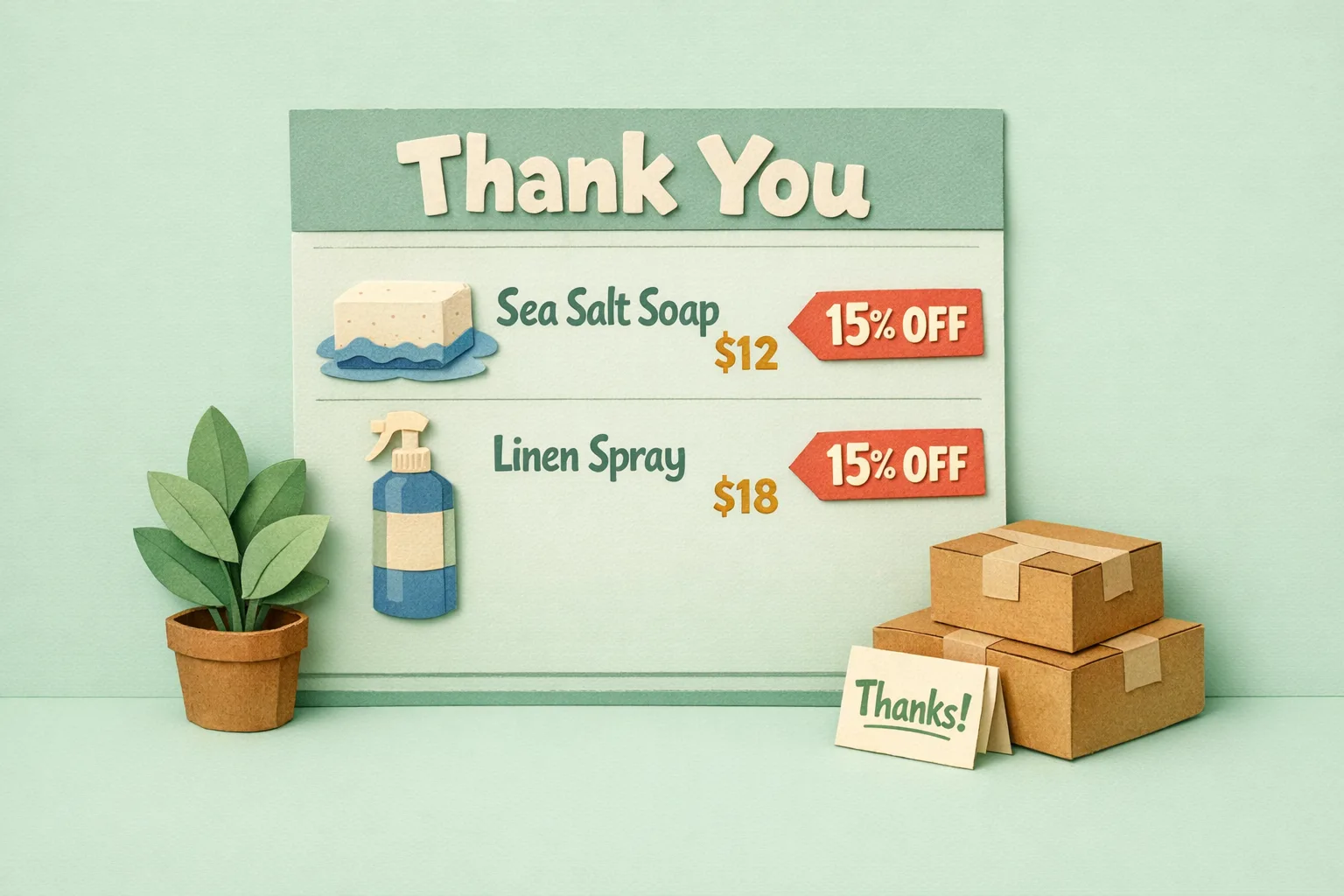
The invoice or packing slip in the box is often the only physical thing your brand ever puts in a customer's hands, and standard Magento 2 prints it as a plain grey table with a logo bolted on top. That page has the reader's full attention at the exact moment they open their order, yet most stores waste it on nothing but line items. A branded, well-designed invoice turns a throwaway receipt into a second marketing surface - one that can carry a thank-you, a reorder prompt, a discount code, or a review request straight into the unboxing moment.
Key point: the invoice is not an accounting document, it is the first physical representation of your company - design it like packaging, not paperwork.

What is a branded Magento invoice?
A branded Magento invoice is a printed invoice or packing slip whose layout, wording, and content you control - not just its logo. Instead of Magento's default line-item grid, it carries your typography, your voice, and deliberate content blocks: a personal message, a reorder link, a time-limited offer, care instructions, or a request for a review.
The distinction matters because the two documents do different jobs. The packing slip goes in the box and is read by the customer at the unboxing moment. The invoice is a financial record the customer may keep or forward. Both are printed from Magento, both are branded touchpoints, and both are, out of the box, almost entirely undesigned.
Why the invoice is a marketing surface, not just a receipt
Every other channel you market through competes for attention. The packing slip does not. It is opened, in a quiet moment, by someone who has just spent money with you and is holding your product - the highest-intent, lowest-noise moment in the whole customer journey.
That attention is worth using. A packing slip that says "Thanks, {firstname} - here's 15% off your next order with code BACK15" reaches a proven buyer with zero ad spend and zero deliverability risk. It cannot land in spam, it cannot be blocked, and it arrives the moment the customer is most delighted with you. Physical mail-order businesses have understood this for a century; ecommerce mostly forgot it because the default document is so plain that nobody thinks of it as a canvas.
Where Magento falls short (out of the box)
Standard Magento 2 Open Source gives you almost no control over these documents. Under Stores > Configuration > Sales > Sales > Invoice and Packing Slip Design you can upload a Logo for PDF Print-outs and set an address block. That is the extent of it.
- The layout is a fixed grey line-item table you cannot restructure.
- There is no place for a message, an offer, a reorder link, or a QR code.
- You cannot show or hide fields (SKUs, product images, custom attributes) per document.
- You cannot split a large multi-order pick into a clean per-order slip, or brand differently for different sales channels.
The result is that the one document guaranteed to reach every customer is the one you have the least ability to shape.
Step-by-Step: How to Turn a Magento Invoice Into a Brand Touchpoint
Step 1 - Decide what the document is for
Before design, pick the job. A packing slip aimed at repeat purchase carries a reorder prompt and a discount. One aimed at reviews carries a QR code to your review page. One aimed at reducing support carries a short "how to get started" note. Choose one primary action - a slip that asks for five things gets none of them.
Step 2 - Brand the layout, not just the logo
Move beyond the logo field. Set your real typography, your brand colours, a proper header and footer, and a tone of voice that matches your site. The document should look like it came from the same company the customer just bought from, not from an accounting system.
Step 3 - Add one high-value content block
Insert a single deliberate block: a personal thank-you with the customer's name, a reorder link or QR code, or a discount code for the next order. This is the block that converts a receipt into revenue.
Step 4 - Show the right fields for the reader
A picker needs SKUs, barcodes, and bin locations. A customer needs product names, images, and your message - not your internal SKU. Design the customer-facing slip and the warehouse-facing picklist separately so each reader gets only what helps them.
Step 5 - Print it the way you actually work
If you dispatch in batches, you need to print branded slips for many orders at once, not click through orders one at a time. Make sure your process generates the branded PDF in bulk from the orders grid.
Common Mistakes
Mistake 1 - Treating it as accounting, not marketing
The finance team owns the invoice, so it stays a bare table. But the customer never asked for an accounting document - they opened a parcel. Give the customer-facing slip to whoever owns brand and retention, not only to finance.
Mistake 2 - Cramming in every offer
A slip with a discount, a survey, a social handle, a referral scheme, and a catalogue converts on none of them. One clear call to action, made prominent, beats five competing ones.
Mistake 3 - Printing internal data to customers
Showing raw SKUs, supplier codes, or cost-derived fields on a customer-facing slip looks unfinished and occasionally leaks information you did not mean to share. Keep internal fields on the picklist.
Advanced: Invoices That Drive the Next Order
- Dynamic offers: vary the discount code or bundle by what the customer bought, so the reorder prompt is relevant rather than generic.
- Reorder QR codes: a QR that deep-links to a pre-filled cart of the same items turns "I need more of that" into two taps.
- Channel-specific branding: print a plain, URL-free slip for marketplace orders (to stay within Amazon and eBay rules) and a fully branded, offer-carrying slip for your own store's orders.
- Attribute-driven content: print care instructions, allergen notes, or warranty text automatically based on product attributes, so the right message reaches the right box with no manual work.
Where Moogento Fits
Magento's built-in design settings stop at a logo, so a branded, content-rich invoice needs an extension that replaces the PDF engine. PickPack does exactly that: a WYSIWYG designer for custom invoice, packing slip, picklist, and label PDFs, generated in batch from the orders grid. It lets you add messages, offers, reorder prompts, product images, and attribute-driven blocks, and lets you show one set of fields to customers and another to pickers - the split this whole guide argues for. Where the offer logic gets more involved, SmartCart and GiftEasy handle the on-site side of the reorder and store-credit hooks the slip points to.
Real-World Impact
Stores that redesign the packing slip as a retention surface typically see:
- A measurable lift in repeat purchase from slip-only discount codes, at zero acquisition cost.
- Fewer "where do I start" support tickets when a short setup note ships in the box.
- More reviews per order when a QR code replaces a follow-up email that never gets opened.
The spend is a one-off design effort; the return compounds on every order shipped afterwards.
FAQs
Can you customise the invoice in Magento 2 without an extension?
Only slightly. Magento 2 Open Source lets you set a PDF logo and address under Stores > Configuration > Sales > Sales > Invoice and Packing Slip Design, but the layout, fields, and content are fixed. Anything beyond a logo needs a custom PDF extension or theme development.
What is the difference between a Magento invoice and a packing slip?
The invoice is a financial record of what was charged; the packing slip lists what is in the box and ships inside it. The packing slip is the one the customer reads at unboxing, so it is the better marketing surface of the two.
Can I put a discount code or offer on a Magento packing slip?
Not with core Magento - there is no content block for it. With a custom PDF extension you can add a static or dynamic offer, and pair it with a cart price rule so the code actually works when the customer returns.
How do I print branded packing slips in bulk in Magento?
Core Magento prints packing slips one order at a time from the order view. To print branded slips for many orders at once you need an extension that adds a bulk print action to the Sales > Orders grid.
Should the customer see SKUs on the packing slip?
Usually no. SKUs, barcodes, and bin locations belong on the internal picklist. The customer-facing slip should show product names, images, and your message. Splitting the two documents keeps each clean.
Will a branded invoice work for Amazon and eBay orders?
Only if it follows each marketplace's rules, which restrict promoting your own store on marketplace orders. Print a plain, offer-free slip for marketplace channels and save the fully branded, offer-carrying version for your own store's orders.
Next Steps
- Audit your current packing slip - open a recent order and print it as a customer would see it.
- Pick one job for the slip: reorder, reviews, or onboarding. Just one.
- Design a customer-facing slip and a separate internal picklist.
- Add a single offer block and back it with a matching cart price rule.
The highest-value move is the reorder offer on the customer slip - it reaches a proven buyer at their most receptive moment, for free.
Related reading: Magento 2 Shipping Automation and Improve Your Magento Order Process.