

Overview
Magento shows you revenue on every screen and profit on almost none. The Sales > Orders grid, the admin Dashboard, and most reports total what customers paid, not what you kept. To see true profit per order you need four things Magento does not add up in one place: cost of goods, payment and gateway fees, the gap between shipping charged and shipping paid, and how discounts and tax are treated. The foundation exists, though: Magento Open Source ships a Cost field on products and captures it against every invoice, so the raw material for a margin figure is already there.
The key point: revenue tells you how busy you are, profit per order tells you whether that activity is worth doing.

Why does the Orders grid show revenue instead of profit?
The Sales > Orders grid is built to process orders, not to measure them. Its columns are order number, date, customer, grand total, and status. Grand total is revenue: subtotal plus tax plus shipping, minus discounts. Nothing in that number reflects what the goods cost you or what the sale cost you to fulfil.
This is a deliberate design choice. Magento cannot know your true cost per order out of the box, because several inputs live outside the order record: your supplier invoices, your carrier's rate card, and your payment provider's fee schedule are all external. Magento stores what the customer was charged for shipping in base_shipping_amount, but never what the carriage actually cost you. So the grid answers "how much money came in" accurately and "how much money we made" not at all.
What does a real per-order profit figure need?
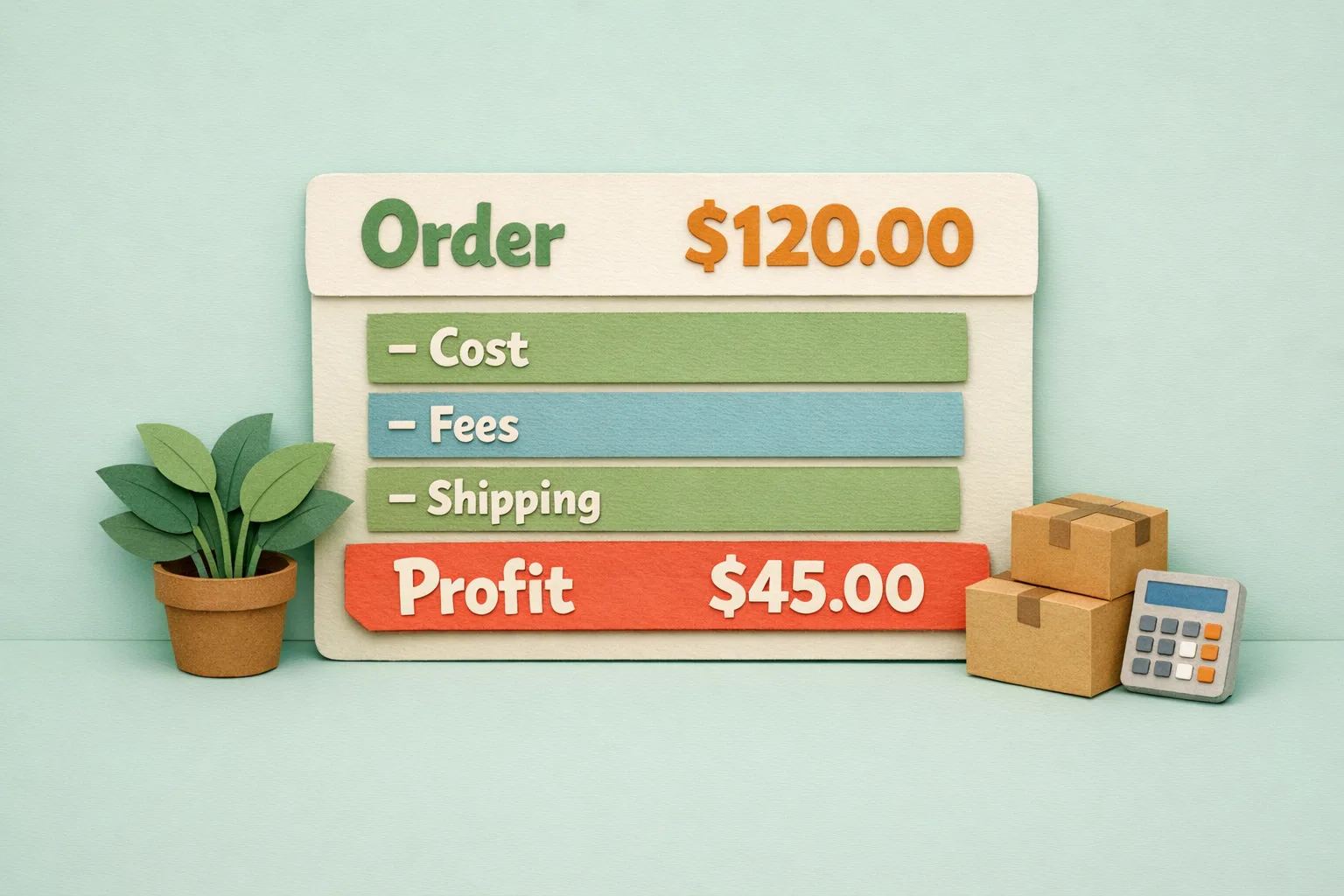
Four inputs sit between revenue and profit. Miss any one and the margin you report is wrong.
Step 1 - Capture cost of goods
Every sellable product needs a landed cost. Magento provides the field: open a product, expand Advanced Pricing, and set Cost. The attribute is called cost, it is website-scoped, and it applies to simple and virtual products only. Configurable, bundle, and grouped parents carry no cost of their own, so cost lives on the child simples they sell. When an order is invoiced, Magento copies each item's cost into base_cost and sums it into base_total_invoiced_cost, which feeds every downstream profit calculation.
Step 2 - Subtract payment and gateway fees
A card processor typically keeps a percentage plus a flat fee on every transaction, which on a low-margin basket can be the difference between profit and loss. Magento records the payment method but never the fee, so this comes from your gateway's settlement data or a fixed rule per method.
Step 3 - Reconcile shipping charged against shipping paid
Magento knows what you charged for delivery. It does not know what the label cost. If you charge a flat 3.95 and the parcel costs you 5.40, that order carries a shipping loss the storefront hides. True profit needs both numbers.
Step 4 - Decide how discounts and tax are treated
Discounts reduce revenue, so they must reduce profit too. Tax is money you collect on behalf of the government and pass on, so it belongs in neither revenue nor profit. A profit figure that leaves tax in flatters every order.
Does Magento store product cost anywhere?
Yes, and this is the most misunderstood part of Magento reporting. The Cost attribute is real, it is captured at invoice time, and one native report uses it. Open Reports > Sales > Orders. That grid has a Profit column, calculated as invoiced subtotal, plus refunded discounts, minus refunded subtotal, minus invoiced discounts, minus invoiced cost of goods. In plain terms: sales value after discounts, minus what the goods cost you.
That is a genuine gross-profit figure, and better than nothing. But read what it leaves out. It ignores payment fees entirely, it counts only the subtotal so your real shipping cost never enters the sum, and it is a period aggregate grouped by day, month, or year. It will never tell you the margin on a single order or one customer, and the Sales > Orders grid you work in all day still shows no profit column at all.
How do you surface margin where you work?
The native Profit report is a monthly rear-view mirror. Running a store profitably means seeing margin at the point of decision: on the order, on the product, on the customer. That means backfilling cost so no product reports as pure profit, encoding your gateway fee as a rule, bringing in even a rough shipping cost estimate, and putting a profit column beside grand total so a loss-making order is visible the moment it lands.
Advanced: profit as a decision tool
Once per-order profit is trustworthy, it stops being a number and starts driving decisions.
Product-level margin
Sort products by contribution, not units sold. A bestseller on a 4% margin can earn less than a slow mover on 60%, and knowing which is which changes what you promote and what you drop.
Customer and channel profitability
The same order value is not equally profitable across customers. Heavy discounters, serial returners, and expensive-to-ship regions all erode margin, so grouping profit by customer and channel tells you which traffic is worth paying for. The same data makes discount thresholds safe: a "free delivery over 50" offer only works if the margin on a 50 basket covers the carriage.
Where Moogento Fits
ProfitEasy closes the gap between Magento's revenue screens and a true profit figure. It reads the cost you already hold on products, layers in payment fees and real shipping cost, and reports profit and margin per order, per product, and per customer, rather than as a monthly aggregate you have to go and find. The point is seeing, on the order itself, whether the sale made you money, so pricing and promotion decisions rest on margin rather than turnover.
Real-World Impact
Stores that move from revenue tracking to per-order profit routinely find the same surprises: a flagship product selling at a loss once fees and shipping are counted, a discount code that turns its cohort negative, and a free-shipping threshold set below the point where delivery pays for itself. None are visible in the Sales > Orders grid, and each is a direct margin recovery the day it is fixed.
FAQs
Does Magento Open Source have a cost field for products?
Yes, Magento Open Source includes a Cost attribute (cost) on simple and virtual products, found under Advanced Pricing on the product edit page. It is website-scoped and optional, and it is the basis of every profit calculation Magento can make.
Why does the Magento Orders grid not show profit?
The Sales > Orders grid shows grand total, which is revenue. Magento cannot compute true profit there because payment fees and real shipping cost are external to the order, and product cost, though captured at invoice, is not surfaced as a grid column.
Does Magento calculate gross profit anywhere natively?
Yes, Magento calculates gross profit natively in one place. Reports > Sales > Orders has a Profit column equal to invoiced sales after discounts minus the captured cost of goods. It is a period aggregate that excludes payment fees and shipping cost, so it is a starting point rather than a complete margin figure.
What is the difference between revenue and profit per order?
Revenue is what the customer paid, the order's grand total. Profit per order is what you keep after cost of goods, payment fees, actual shipping cost, and discounts are removed, with tax excluded because it is collected on behalf of the tax authority.
Why should I use landed cost instead of list cost?
List cost is the supplier's headline price. Landed cost adds freight, duty, and handling to get goods into your warehouse. Using list cost overstates margin because it ignores the real expense of stocking the item.
How does product cost get into a Magento order?
When an order is invoiced, Magento copies each item's Cost value into the order item as base_cost and totals it into base_total_invoiced_cost. Because cost is captured at invoicing, changing a product's cost later does not rewrite the profit on past orders.
Do configurable and bundle products carry a cost?
No, configurable and bundle products carry no cost of their own; the Cost attribute applies to simple and virtual products only. Configurable, bundle, and grouped products sell through their child simples, so cost has to be set on those children for profit to calculate correctly.
Should tax be included in profit per order?
No, tax does not belong in profit per order. It is money you collect and remit to the government, so it is neither revenue you earned nor profit you keep. A profit-per-order figure that leaves tax in inflates every order and gives a false read on margin.
Next Steps
- Fill the Cost field on every simple product, using landed cost.
- Record your payment gateway's fee structure so it can be applied per order.
- Capture real shipping cost per carrier or weight band.
- Add a profit view beside revenue so loss-making orders are visible immediately.
The highest-value first move is backfilling cost, because every profit figure downstream is only as accurate as the cost data behind it.
Related reading: Magento 2 Analytics: How to Turn Data into Revenue and The Live Magento Dashboard: Which KPIs to Watch.