
















- Pro
-
PopularGrowth
- Seed
| - | Pro |
Popular
Growth | Seed |
| - | $20833 /month | $10416 /month | $8333 /month |
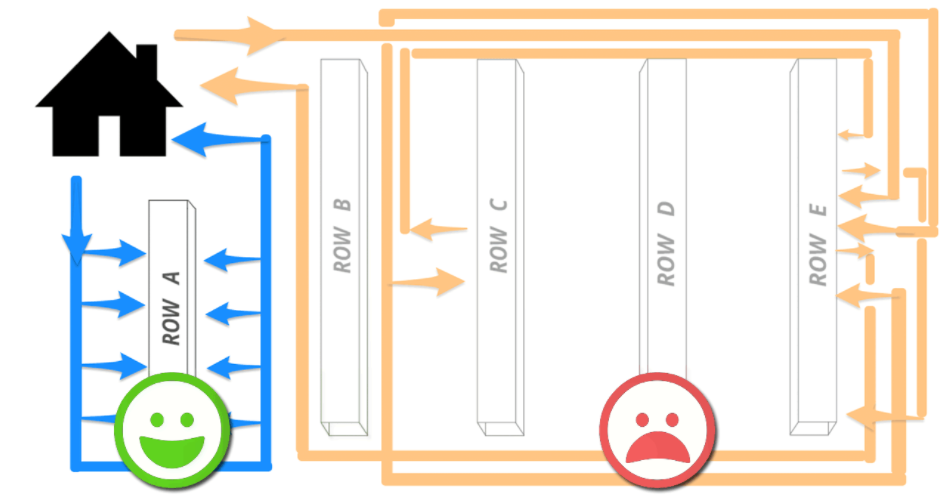
| Optimise the warehouse pick route | |||
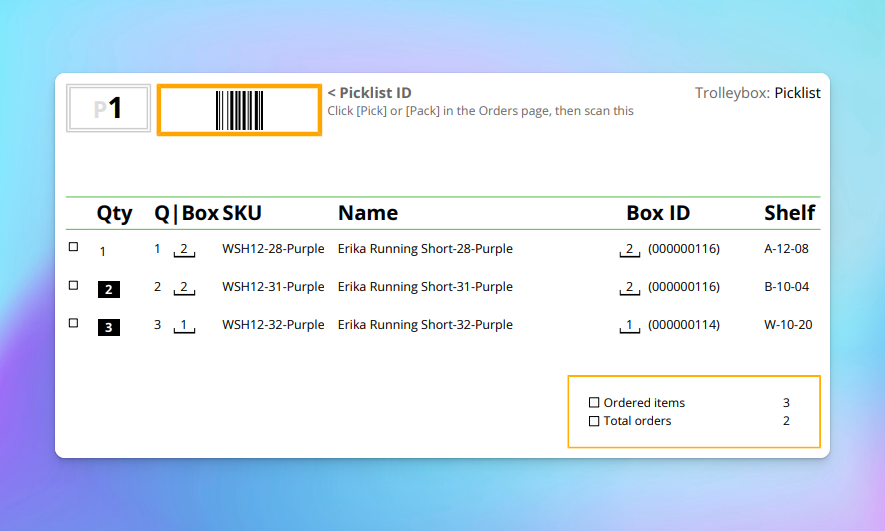
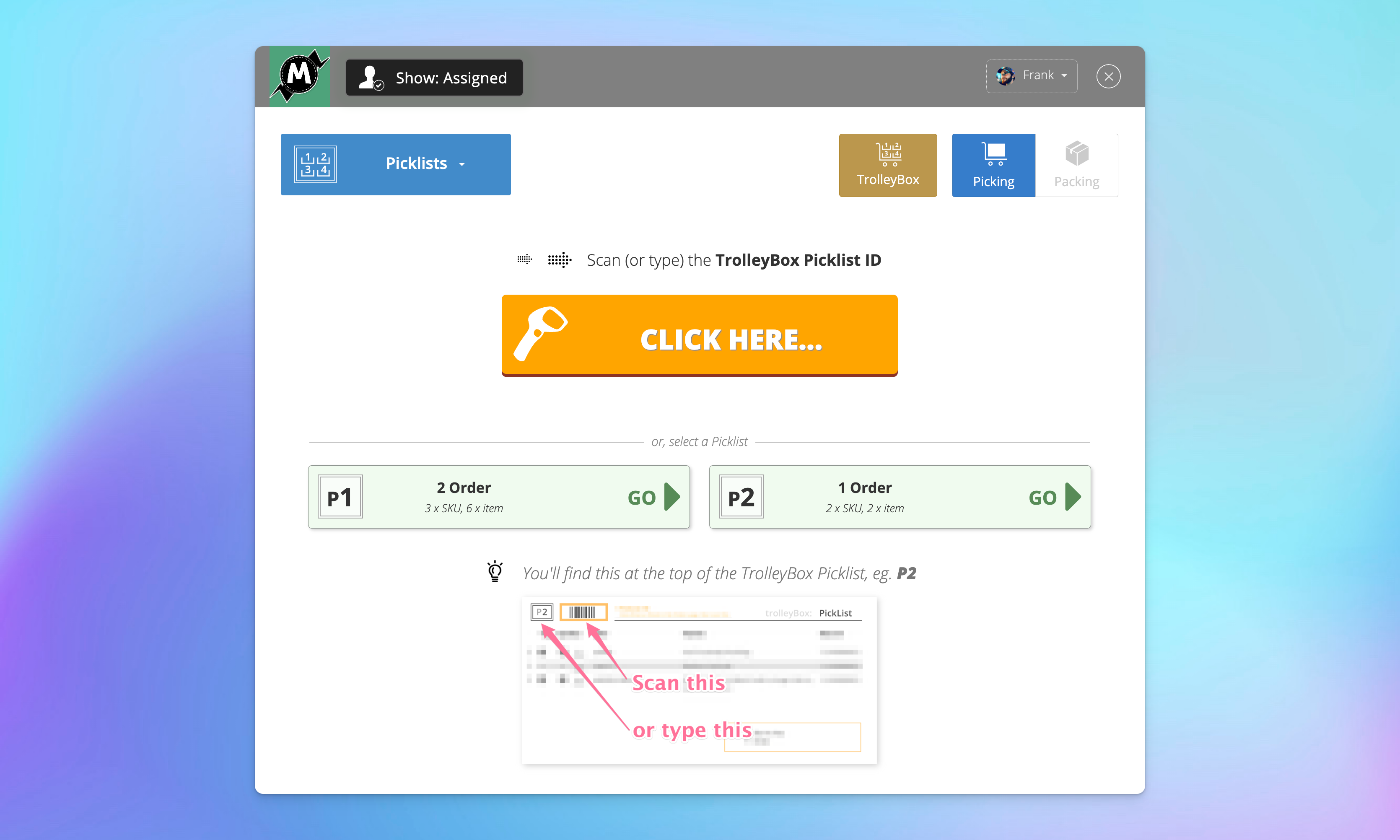
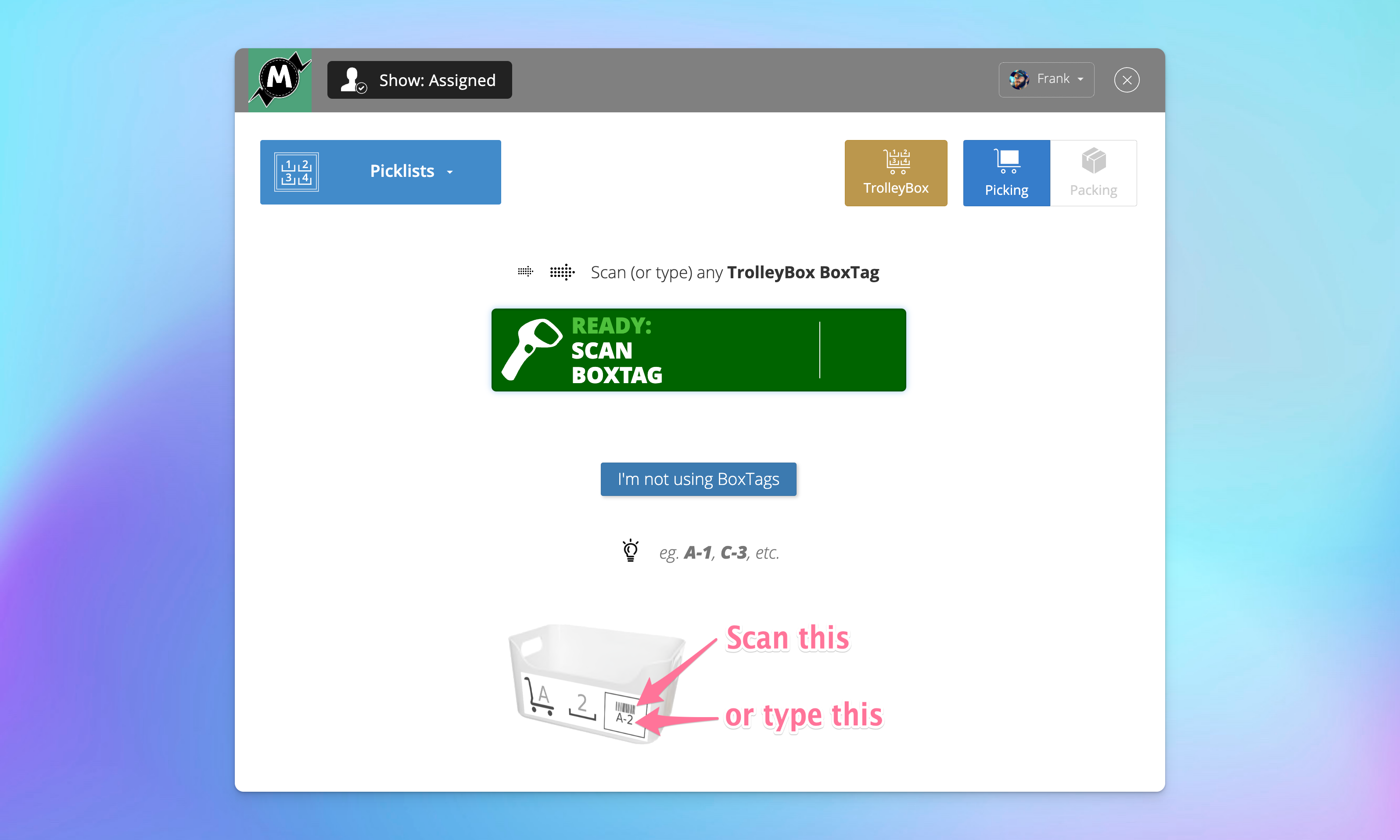
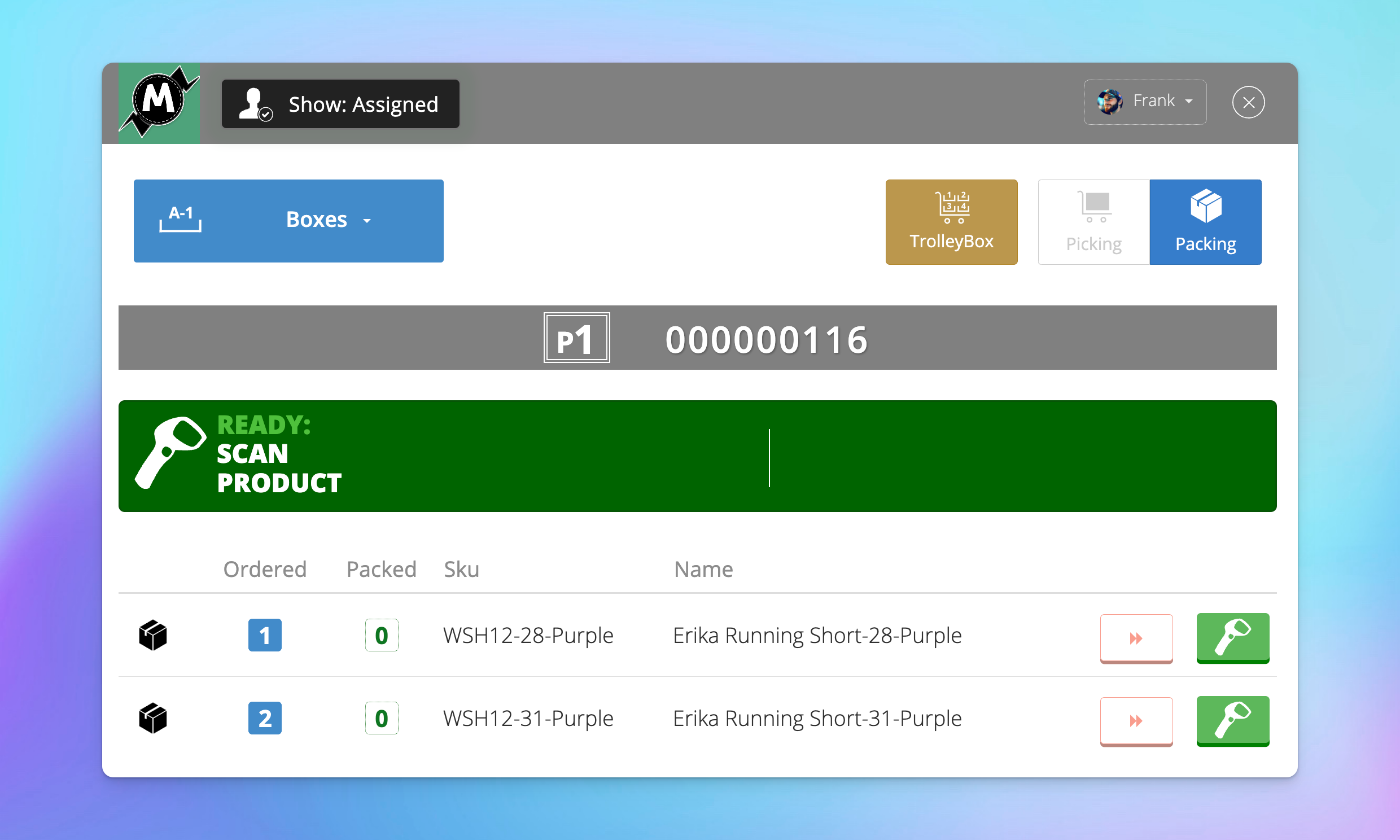
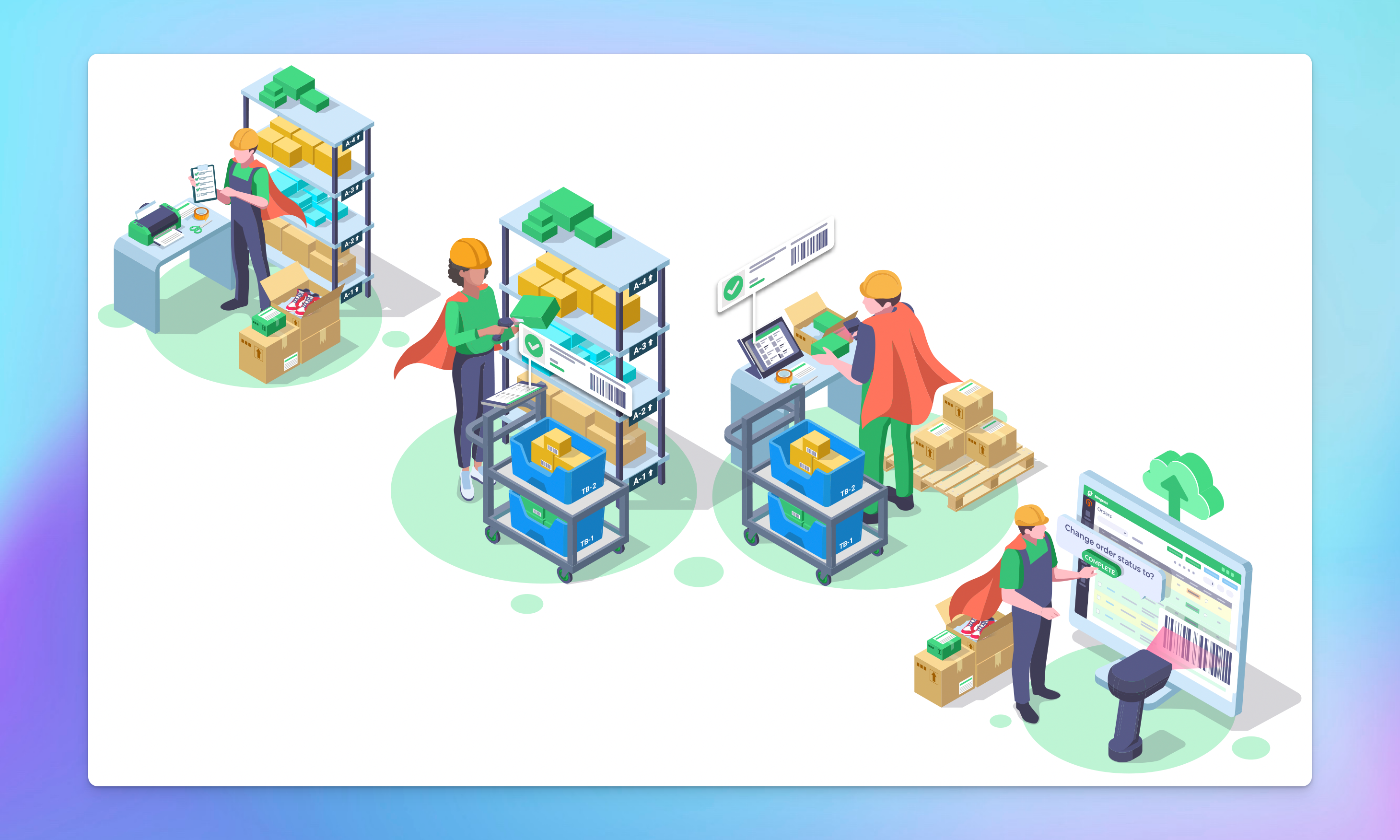
| Pick multiple orders at once • TrolleyBox will auto-sort products from orders on the same Picklist (aka Trolley) according to shelf • If you have the same sku in a few boxes on the same trolley, it'll tell you how many to put in each box | |||
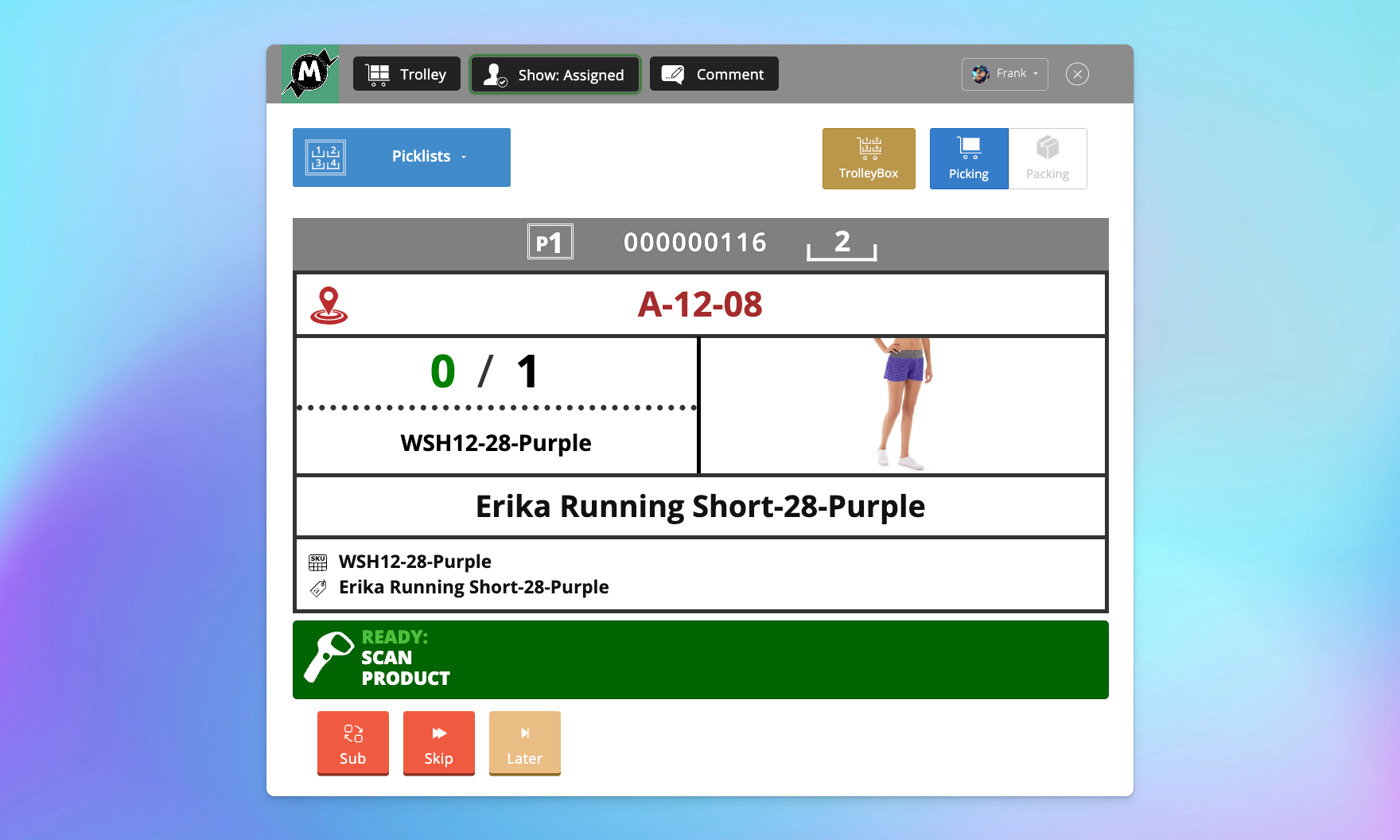
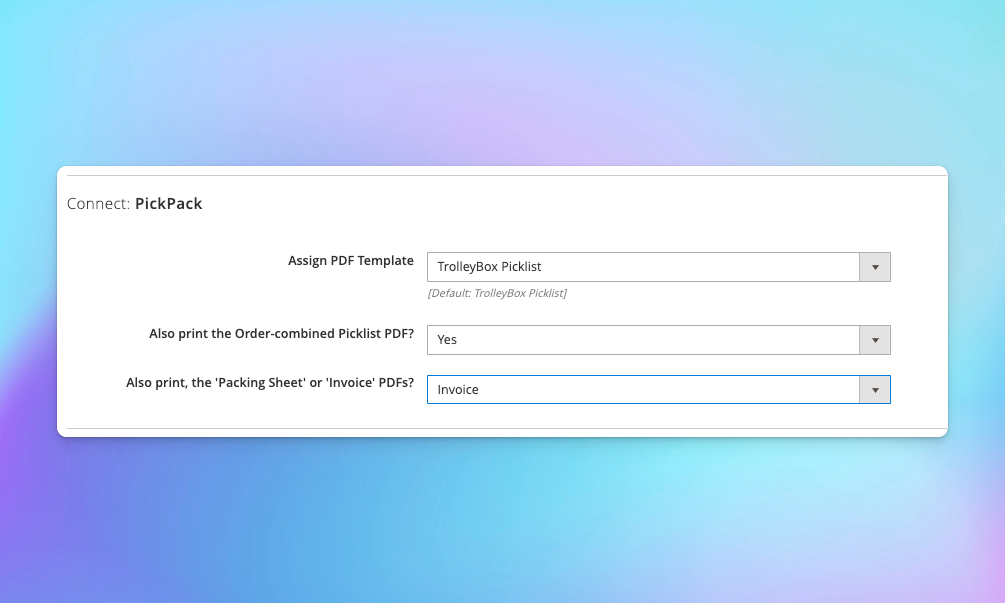
| Hardcopy, tablet & hybrid workflows • TrolleyBox interacts with PickPack to print sorted picklists for your trolleys. • It also has an optimised design for tablets, which also works great on larger screens & mobile, including Zebra scanners. • TrolleyBox will also work great with a hybrid combo of both, ie. a printout on the trolley as well as using a tablet. | |||
| Auto-saved progress • TrolleyBox will auto-save where you're at, so you can go to lunch and come back to the same trolley • Note it will also auto-unassign users from trolleys if they're not completey Picked after 6h | |||
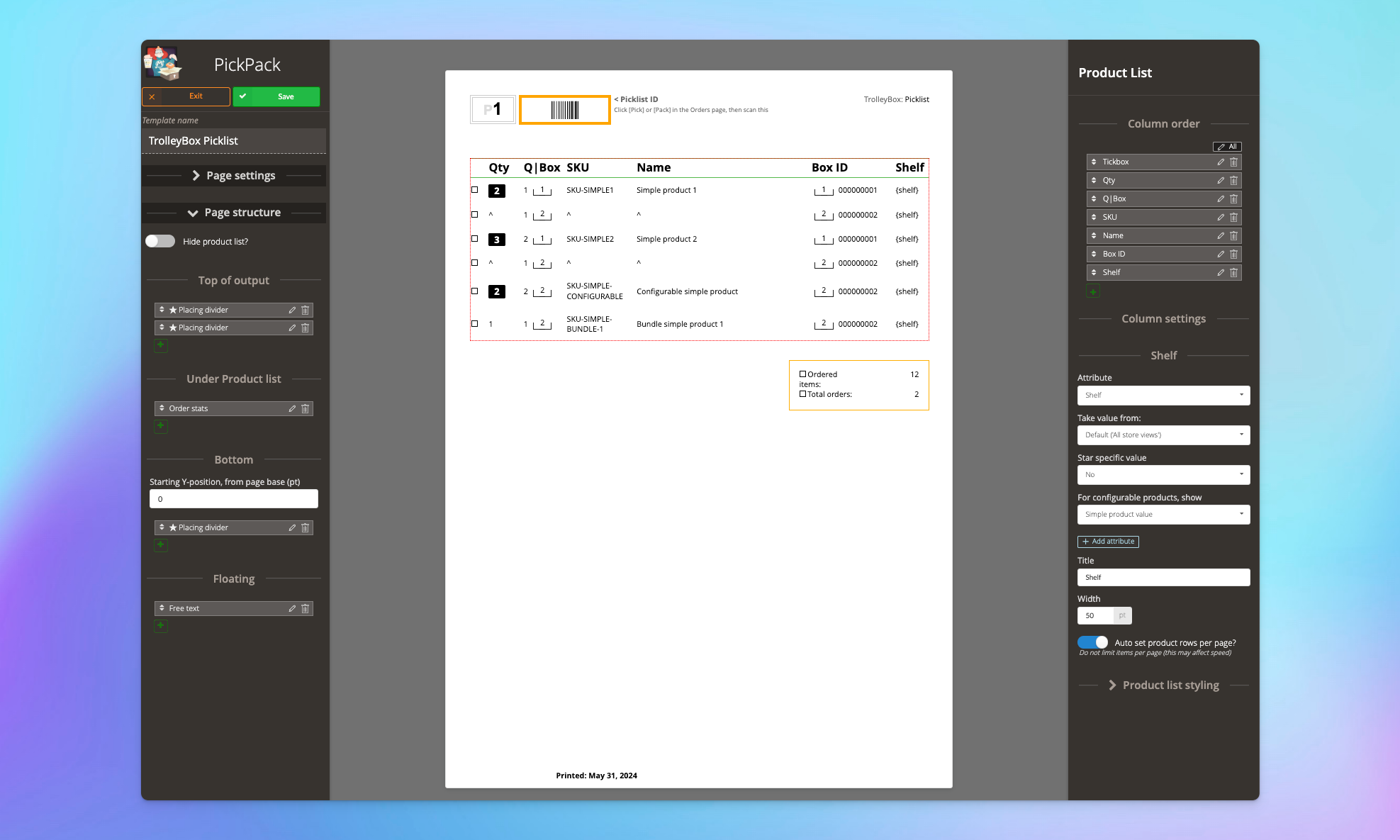
| Integrates with PickPack • PickPack creates powerful custom PDFs, including a range of Picklist & integrated Invoice styles • PickPack integrates with TrolleyBox to make physical prints of trolley Picklists • You need PickPack Growth or Pro to print TrolleyBox Picklists (this uses the PickPack Order Combined engine, which is not available to PickPack Seed) | |||
| Integrates with ShipEasy • Pick-n-Scan uses the ShipEasy engine to allow assigning orders by Order Priority (which is an advanced type of 'Order Tag'). • Pick-n-Scan also uses the ShipEasy engine to for better custom-status assigning (eg. after Pick or Pack is completed). • Get the Pick/Pack pipeline running quickly wth the 'Sku count' filter from ShipEasy, to assign fast 'start-of-day' orders to Pickers. • ShipEasy also has powerful capabilities to mass-process orders, and generally optimise your workflow in/around the Orders page. | |||
| Requires Pick-n-Scan • TrolleyBox needs Pick-n-Scan installed and on a valid plan to run. | |||
| Included users | ∞ (Unlimited) | 5 | 1 |
| Auto-assign orders to trolleys | |||
| Auto-assign trolleys to users | |||
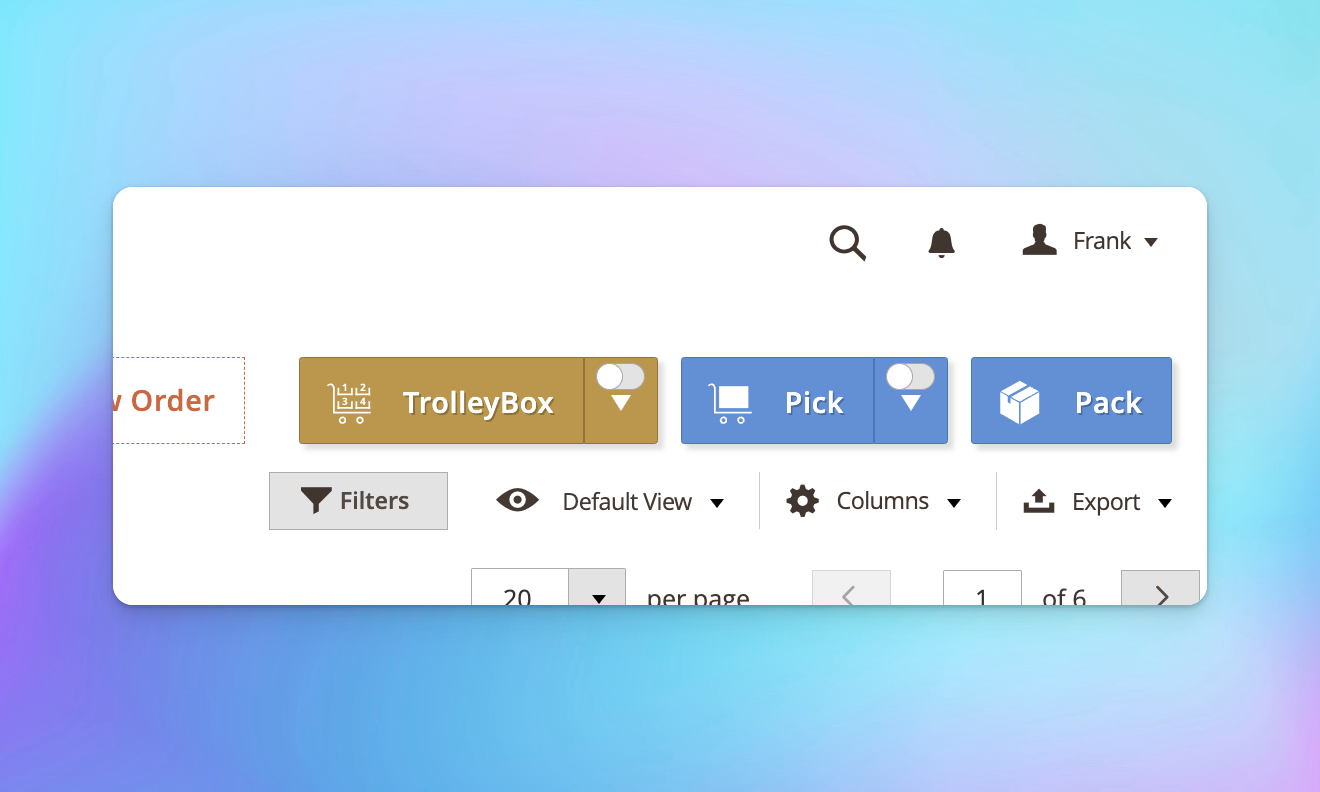
| Auto un-assign trolleys from users • Easy & clear on/off auto-assign toggle in Orders page • TrolleyBox will automatically un-assign users from trolleys when: - User is logged out for more than 2h - User is inactive for more than 2h • The aim is to not leave half-picked trolleys if an assigned user heads home early or doesn't come back the next day | |||
| Pause TrolleyBox picking • Easily switch between Trolleys • You'll be able to pause Picking a trolley, and come back to it later | |||
| Onboarding | Comprehensive
✓ Up to 4 hours of personalized onboarding included
✓ We'll install and configure the plugin for you ✓ This will cover most use cases and will let us set it up to most benefit your business | Basic
✓ Up to 1 hour of personalized onboarding included
✓ We'll install and configure the extension for you | |
| Support | Priority
✓ Ongoing support
✓ Priority 1 business day SLA | Enhanced
✓ Ongoing support
✓ 1 Business day SLA | Standard
✓ Ongoing support
✓ 2 Business day SLA |
| Updates | Add to Cart | Add to Cart | Add to Cart |