

Overview
Magento 2 Open Source has no built-in way to export orders on a schedule to another system. The entity-based export tool under System > Data Transfer > Export lists Products, Customers Main File, Customer Addresses, Advanced Pricing and Stock Sources as exportable entities, and orders are not one of them. The Sales > Orders grid does have an Export to CSV or Excel XML button, but it dumps only the columns visible in the grid, one manual click at a time, with no line items, no field mapping and nowhere to send the file.
That gap is fine while a person still keys each order into your courier or accounting tool by hand. It stops being fine the moment a warehouse, a 3PL, an ERP or a marketplace needs your order data in a specific format, on a timer, without someone babysitting a download.
Key point: core Magento can show you orders and print them, but it cannot hand a structured order feed to another system automatically. That job needs an export extension.

What can core Magento actually export?
Two separate tools exist, and it helps to be precise about each.
The entity export under System > Data Transfer > Export lets you pick an entity, choose attributes, filter and download a CSV. CSV is the only format registered, and the entities are Products, Customers Main File, Customer Addresses, Advanced Pricing and Stock Sources. There is no order entity, so this tool cannot export orders at all.
The export button on the Sales > Orders grid offers CSV and Excel XML, but exports the rows and columns currently shown: order-level fields only, such as increment ID, customer name, status and grand total. It carries no line items, cannot rename or remap fields, cannot filter beyond the grid filters, and produces a one-off download a human has to click.
Neither tool can deliver a file anywhere, and neither can run on a schedule.
Why stores need scheduled order exports
The systems that fulfil, account for and reconcile your orders each want the data their own way, without waiting for a person.
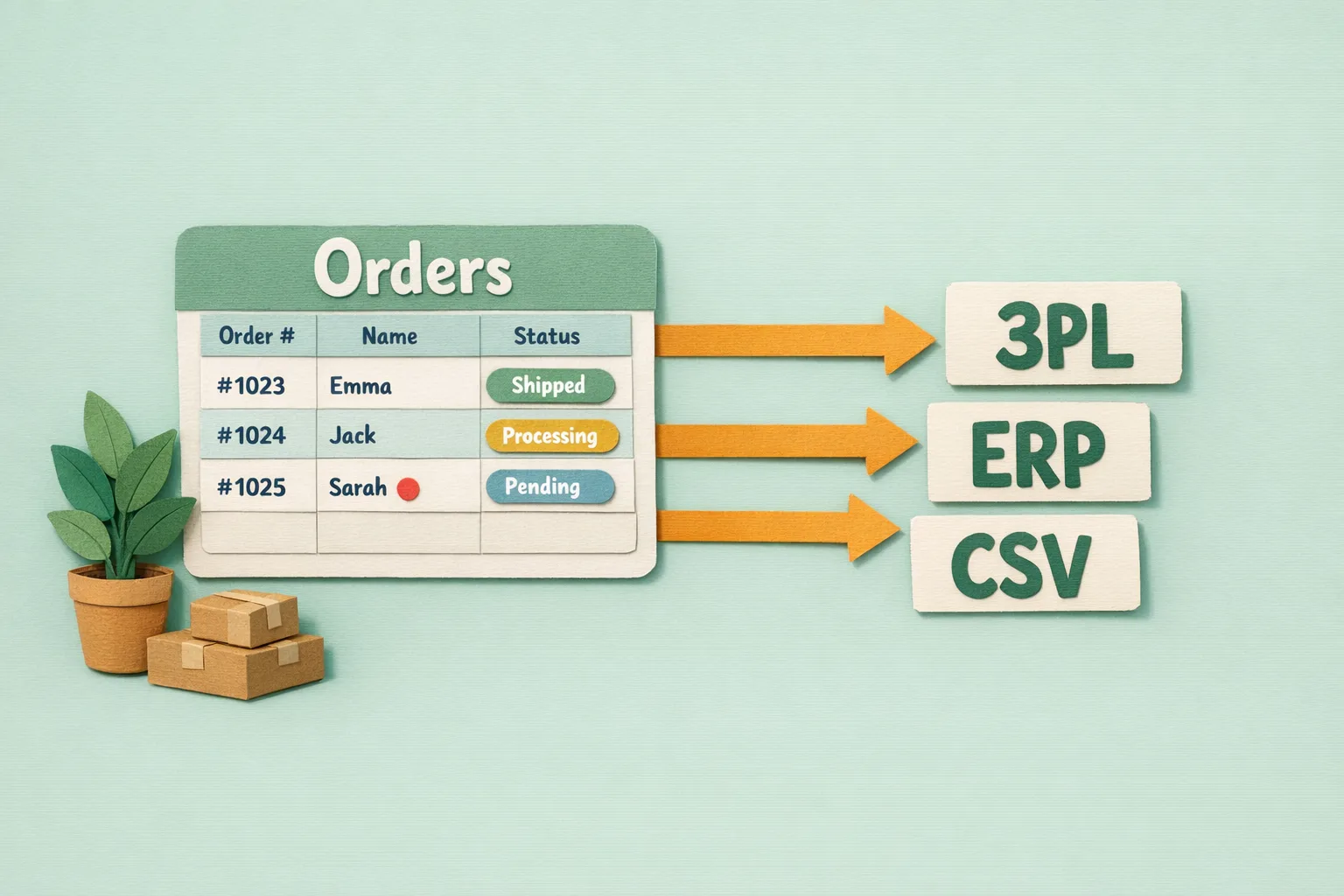
A 3PL wants a feed of new orders as CSV or XML dropped on an SFTP folder or posted to an endpoint every few minutes. An ERP or accounting package wants orders mapped to its own field names and product codes so invoices and stock movements reconcile. A finance team wants a daily CSV of yesterday's shipped orders in the exact column order their spreadsheet expects.
Do that by hand and you get the classic failure mode: someone re-keys orders into the courier tool, mistypes an address, misses the afternoon batch, and the whole operation runs at the speed of one tired person. Scheduled exports remove the person from the loop.
What a proper order export needs to control
Step 1 - Choose the format the target expects
Pick the format the receiving system asks for, not the one that is easiest to produce. CSV suits 3PLs, spreadsheets and most accounting imports. XML suits ERPs and older integrations that validate against a schema. Some targets want a bespoke layout, a fixed column order, or specific delimiters and encodings. The export tool has to produce what the other end parses, or the import fails silently.
Step 2 - Map every field to the target's names
Your Magento field is increment_id; the 3PL calls it OrderRef. Your status is processing; their system expects NEW. Field mapping is the heart of a real export: rename columns, transform values, concatenate address lines, format dates and split or join line items so the file matches the target's specification exactly.
Step 3 - Filter which orders go, and when
You rarely want every order in every feed. Filter by order status (only processing, never pending_payment), by store view or website, by payment method, by date range, or by whether the order has already been exported. Sending the same order twice to a 3PL causes double picks, so an export needs to track what it has already sent.
Step 4 - Deliver the file to the target automatically
A file on the Magento server helps no one. Delivery means pushing the export to where the target reads it: an SFTP or FTP folder, an email attachment to a supplier, an HTTP POST to an API endpoint, or a shared drive. This is the step core Magento has no answer for at all.
Step 5 - Run it on a schedule
Attach the export to Magento cron so it runs every few minutes, hourly, or once a day at a set time, and fires without anyone opening the admin. A manual export is a task someone forgets; a scheduled export is infrastructure.
Common mistakes
Mistake 1 - Exporting by hand from the grid
The Orders grid export button feels like the answer, so stores lean on it. It gives order-level columns only, no line items, and depends on a person remembering to click it. As volume grows this is the first thing to break.
Mistake 2 - No schedule
An export that a human triggers is an export that gets skipped on the busy days, which are exactly the days the feed matters most. If the target needs data regularly, the export has to be on cron, not on a to-do list.
Mistake 3 - Wrong encoding or delimiter
A file that opens fine in your spreadsheet can still fail the target's importer: wrong character encoding, a comma inside an address breaking a CSV column, or a date format the ERP rejects. Match the encoding (usually UTF-8), quoting and delimiter to the receiving system, and test with a real import.
Mistake 4 - Re-sending orders already exported
Without a record of what has been sent, a feed re-exports the same orders and the 3PL picks them twice. Track exported orders and filter them from the next run.
Advanced order export patterns
- Multiple feeds from one store: run separate scheduled exports per target, so the 3PL gets its pick file, finance its daily reconciliation CSV and the ERP its XML, each mapped and filtered independently.
- Per-channel exports: filter by store view or website so each marketplace or brand exports only its own orders, in that channel's format.
- Line-item granularity: one row per order for a summary feed, or one row per line item for a fulfilment feed a picker works from.
- Transform on the way out: convert SKUs to a supplier's product codes, split full names, or combine address fields, so the file lands ready to import with no manual fixing.
Where Moogento Fits
Core Magento gives you a manual grid download and no order entity in the export tool, so a scheduled, mapped, delivered order feed needs an extension built for it. ExportEasy does exactly that: it defines order exports as profiles you control, with full field mapping, CSV, XML or custom layouts, filtering by status, store and more, and delivery to SFTP, FTP, email or an endpoint, all attached to Magento cron so the feed runs on a schedule without anyone clicking export. It is the piece that turns "download the grid" into a proper integration between your store and your 3PL, ERP, accounting and marketplace systems.
Real-World Impact
Stores that move from manual grid exports to scheduled, mapped feeds typically see:
- Order data reaching the 3PL within minutes, instead of at the next manual batch.
- Fewer fulfilment errors, because addresses and line items are mapped once and never re-keyed.
- Finance and ERP reconciliation that runs on its own each day, in the format those systems expect.
The setup cost is a one-off mapping exercise. After that, every order flows to every system with no daily effort.
FAQs
Can Magento 2 export orders natively?
Magento 2 cannot export orders to another system on a schedule. The entity export under System > Data Transfer > Export does not list orders as an exportable entity, and the Sales > Orders grid only offers a manual Export to CSV or Excel XML of the visible grid columns, with no line items, mapping or delivery.
What order data can the Magento Orders grid export?
The Magento Orders grid exports only the columns shown in the grid, at order level: increment ID, customer name, status and grand total. It does not include order line items, and the file is a one-off download that a person has to trigger.
What file formats can I export Magento orders in?
Core Magento offers CSV and Excel XML from the grid, and CSV only from the entity export tool. A dedicated export extension adds custom CSV layouts, XML and bespoke formats so the file matches whatever the receiving system requires.
How do I send Magento orders to a 3PL automatically?
You need an export that maps your order fields to the 3PL's format, filters to the right order status, and delivers the file to the 3PL's SFTP folder or endpoint on a cron schedule. Core Magento cannot deliver files anywhere, so this needs an export extension such as ExportEasy.
How do I schedule a recurring order export in Magento?
Attach the export to Magento's cron so it runs at a set interval, such as every few minutes or once a day. Core Magento has no scheduled order export, so the schedule comes from an export extension that registers a cron job.
How do I stop the same order being exported twice?
To stop an order being exported twice, track which orders have already been sent and filter them from the next run. A dedicated export tool records exported orders so a scheduled feed sends each order once, preventing duplicate picks at the 3PL.
Why does my exported order file fail to import into another system?
An exported order file usually fails to import because the encoding, delimiter or field names do not match what the target expects. Match the character encoding (commonly UTF-8), quote fields that contain commas, format dates to the target's spec, and map your Magento field names to the names the receiving system imports.
Next Steps
- List every system that needs your order data: 3PL, ERP, accounting, each marketplace.
- For each, write down the exact format, field names, filter and delivery method it requires.
- Replace manual grid downloads with a scheduled, mapped export profile per target.
- Test each feed with a real import at the receiving end, not just by opening the file.
The highest-value move is the 3PL feed: getting new orders to fulfilment automatically removes the most re-keying and the most delay from your day.
Related reading: Batch Order Picking in Magento, Magento 2 Shipping Automation and Improve Your Magento Order Process.