

Overview
Batch picking means collecting the items for several orders in one walk of the warehouse, then sorting them into individual parcels at a packing station. Single-order picking means walking the warehouse once per order. Batching wins when you ship many small orders, because it collapses dozens of separate trips into one route; single-order picking wins when orders are few and large, or when accuracy matters more than distance walked. Magento's Sales > Orders grid was built to manage orders, not to route a picker, so it offers neither mode out of the box.
The choice is not about which method is better in the abstract. It is about your order profile: how many orders, how many lines each, and how spread out your stock is.
Key point: the walking is the cost. Batch picking is worth it exactly when the same items appear across many small orders, so one trip replaces many.
How single-order and batch picking differ
In single-order (or discrete) picking, a picker takes one order, walks to every location it needs, collects the items and returns. The parcel is complete when they get back. It is simple and hard to get wrong, but the picker walks the whole route again for the next order even if that order needs the same shelf.
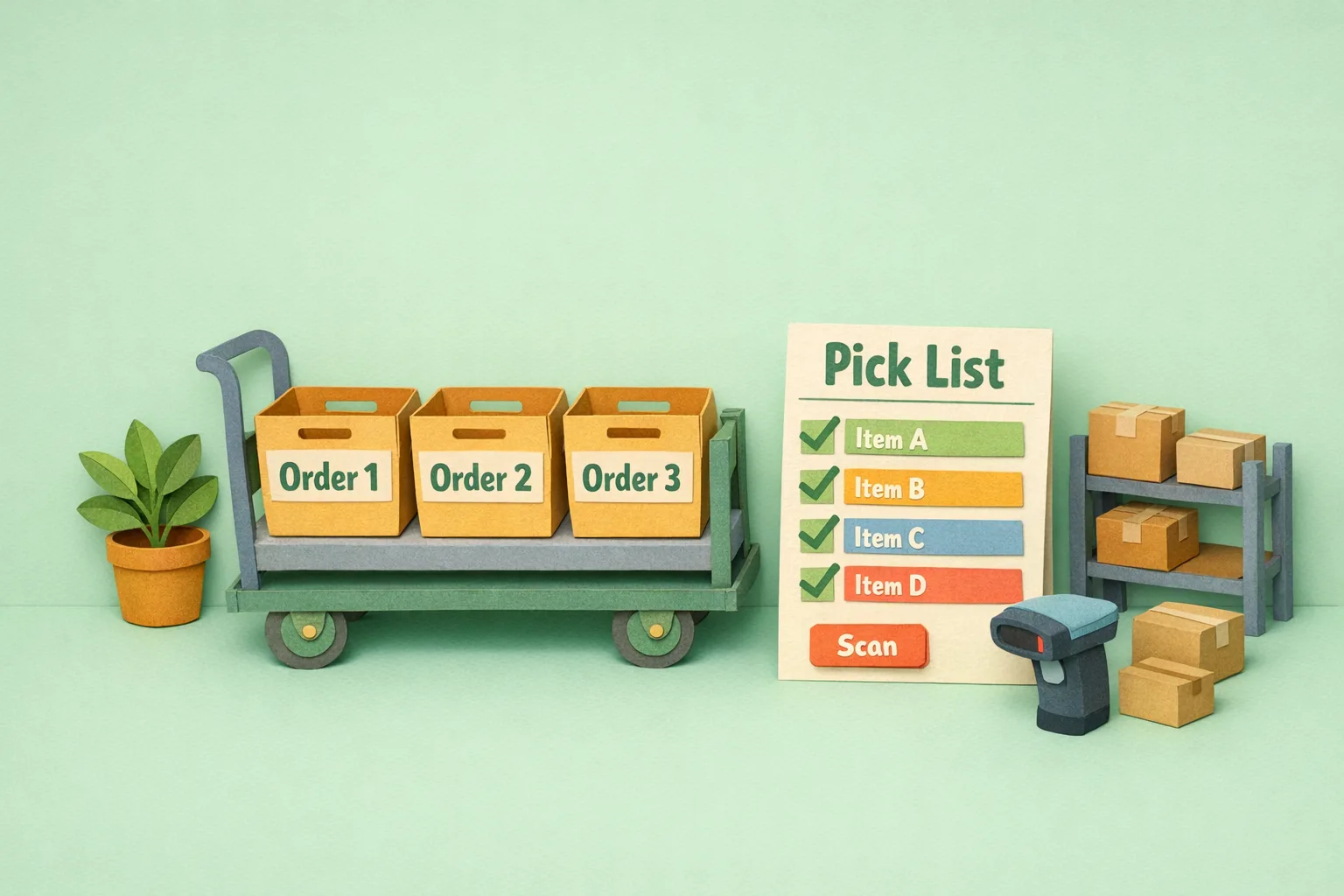
In batch picking, a picker takes a group of orders, walks the warehouse once, and collects the total quantity of each item across all of them. A trolley with labelled totes, one per order, lets them drop each item straight into the right tote as they go. Where several orders need the same product, the picker grabs all of it in a single reach instead of returning to that shelf again and again.
The trade is distance against complexity. Batching cuts walking sharply but adds a sorting decision at every pick, which is where errors creep in if nothing verifies the pick.
When trolley batching wins
Many small orders
The more orders share the same shelves, the more a single route saves. A store shipping 200 orders of one or two items each is walking to the popular shelves 200 times under single-order picking. Batch those into trolleys of 20 and you walk each route once for twenty orders.
High order count, low lines per order
Batching pays off in proportion to how much walking is shared. Small baskets that overlap heavily on a handful of best-sellers are the ideal case: the same few locations serve most of the batch.
A stable, mapped pick path
Batching needs a route. If your bin locations are known and your stock sits in a consistent layout, a batch pick can follow the shortest path through the warehouse and touch each location once.
When single-order picking wins
Few, large orders
If each order fills its own trolley, there is nothing to batch: the picker walks the warehouse for that order regardless. Single-order picking keeps the process simple with no sorting overhead.
Accuracy-critical or fragile goods
When a mispick is expensive, or items are fragile, serialised or personalised, the one-order-one-picker model removes the sorting step where batch errors happen. Fewer decisions per item means fewer chances to drop the wrong thing in the wrong tote.
Low volume
Below a certain order count the coordination of building and sorting batches costs more than it saves. A handful of orders a day is faster picked one at a time.
The accuracy risk in batching, and how to control it
Batching's weakness is the sort. Every time a picker takes an item, they must decide which order's tote it belongs in, and one wrong drop puts the right item in the wrong parcel. Two customers get each other's orders, and you find out when they complain.
The control is verification at the point of pick and pack.
Mistake 1 - Batching with no scan verification
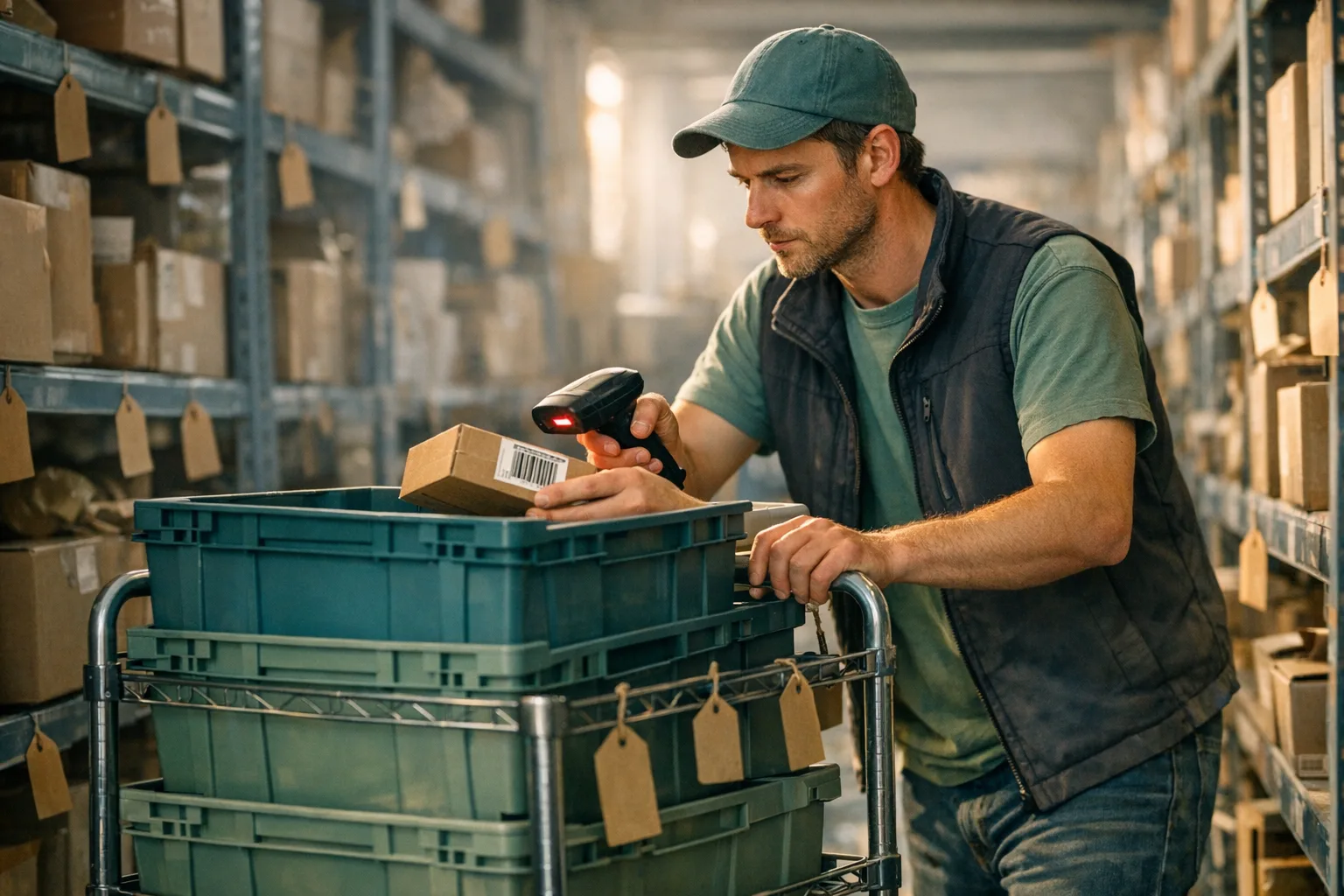
Batching by eye across many orders will eventually mis-sort. Scan the product barcode and the tote or order at each pick so the system confirms the item belongs to that order before it goes in. Barcode verification is what makes batch picking as accurate as single-order picking rather than riskier.
Mistake 2 - Batches too large to sort reliably
A trolley of forty orders is more decisions than a picker can hold. Keep batch sizes to what fits the trolley and the picker's concentration, and let a second verification catch errors at pack.
Mistake 3 - Verifying only at pack, not at pick
If the first check is at the packing bench, a mis-sorted item has already travelled the whole route in the wrong tote. Verify at pick so the error is caught the moment it happens.
Mistake 4 - No pick path
Handing a picker a list in order-number sequence sends them back and forth across the warehouse. Sort the pick list by location so the route runs once through the aisles.
Where Magento's Orders grid falls short for picking
The Sales > Orders grid lists orders and lets you run mass actions on them: Cancel, Hold, Unhold, Print Invoices, Print Packing Slips, Print Credit Memos, Print All and Print Shipping Labels. That is order administration, not warehouse picking.
The grid cannot group orders into a pick batch, cannot produce a location-sorted pick list, has no concept of a trolley or tote, and offers no scan-verified pick or pack step. Printing a stack of individual packing slips and picking them one by one is single-order picking by default, with all the walking that implies. There is no native path to batch picking at all.
Advanced: scaling a pick operation
- Zone picking: split the warehouse into zones, each picker owning one, with totes moving between zones so no one walks the whole building. This layers on top of batching as volume grows.
- Wave planning: release batches in waves timed to courier collection cut-offs, so the right orders are picked, packed and staged before each van leaves.
- Batch sizing by profile: small single-line orders batch large, multi-line orders batch small. Match batch size to the order mix rather than using one number.
- Pick then pack separation: pickers fill trolleys, packers verify and box at a station, which keeps pickers moving and puts the final scan check at the bench.
Where Moogento Fits
Magento's grid manages orders but cannot route a picker, so batch picking needs an extension built for the warehouse floor. TrolleyBox adds trolley-based batch picking to Magento: group orders into a batch, pick them onto a trolley of labelled totes in one walk, and scan to verify each item into the right order so the sort step that makes batching risky becomes the step that makes it accurate. It turns the Orders grid from a list you print one slip at a time into a picking operation that scales with order volume.
Real-World Impact
Stores that move from single-order picking to scan-verified trolley batching typically see:
- A large cut in walking distance per order, because shared shelves are visited once per batch, not once per order.
- Mis-sort errors caught at the pick, not by the customer, because every item is scanned into its tote.
- More orders picked per hour by the same team, which is where the labour saving shows on busy days.
The gain scales with order count: the more small orders you ship, the more batching returns.
FAQs
What is batch picking in a Magento warehouse?
Batch picking is collecting the items for several orders in a single walk of the warehouse, then sorting them into individual parcels at a packing station. It replaces many separate trips with one route, saving the most time when you ship many small orders that share the same shelves.
What is the difference between single-order and batch picking?
Single-order picking walks the warehouse once per order and finishes each parcel before the next. Batch picking walks once for a group of orders and collects the combined quantity of each item, sorting into per-order totes as it goes. Single-order is simpler; batch picking cuts walking when orders are many and small.
When should I use single-order picking instead of batching?
Use single-order picking when orders are few and large, when items are fragile, serialised or personalised, or when volume is low. In those cases batching saves little walking and adds a sorting step that can introduce errors.
Does Magento support batch order picking out of the box?
No. The Sales > Orders grid manages orders and can print invoices, packing slips and shipping labels in bulk, but it cannot group orders into a pick batch, produce a location-sorted pick list, or verify picks by scanning. Batch picking requires an extension such as TrolleyBox.
How do I keep batch picking accurate?
Scan the product barcode and the order or tote at each pick so the system confirms the item belongs to that order before it goes in. Verifying at the point of pick, not only at pack, catches a mis-sort the moment it happens and keeps batch picking as accurate as single-order picking.
How big should a picking batch be?
Big enough to share the walk, small enough to sort reliably. Match batch size to the order mix: many single-line orders batch large, multi-line orders batch small. The trolley capacity and the picker's ability to sort without error set the practical limit.
How does batch picking help a growing store scale?
It removes duplicated walking, which is the cost that rises fastest as order count grows. Layered with scan verification, zone picking and wave planning, batching lets the same team pick more orders per hour without the route length exploding as volume climbs.
Next Steps
- Measure your order profile: orders per day and average lines per order tell you whether batching pays.
- If you ship many small orders, pilot trolley batching with scan verification on your busiest product range.
- Sort pick lists by bin location so the route runs once through the aisles.
- Add a scan check at the pick, not just at pack, so mis-sorts never leave the shelf.
The highest-value move for a high-volume, small-basket store is scan-verified trolley batching: it is where the walking savings and the accuracy control meet.
Related reading: Magento 2 Shipping Automation, Barcode Scanners for Magento and Magento Order Exports.