

Overview
The order success page - the "thank you" screen Magento shows the instant checkout completes - reaches your customer at the single highest-intent moment in the whole journey: they have just paid, they trust you, and their attention is entirely on you. Standard Magento 2 fills that moment with one grey line: "Your order number is 000000123." Nothing else. No message, no next step, no offer. It is the most valuable screen on the store and, out of the box, the emptiest.
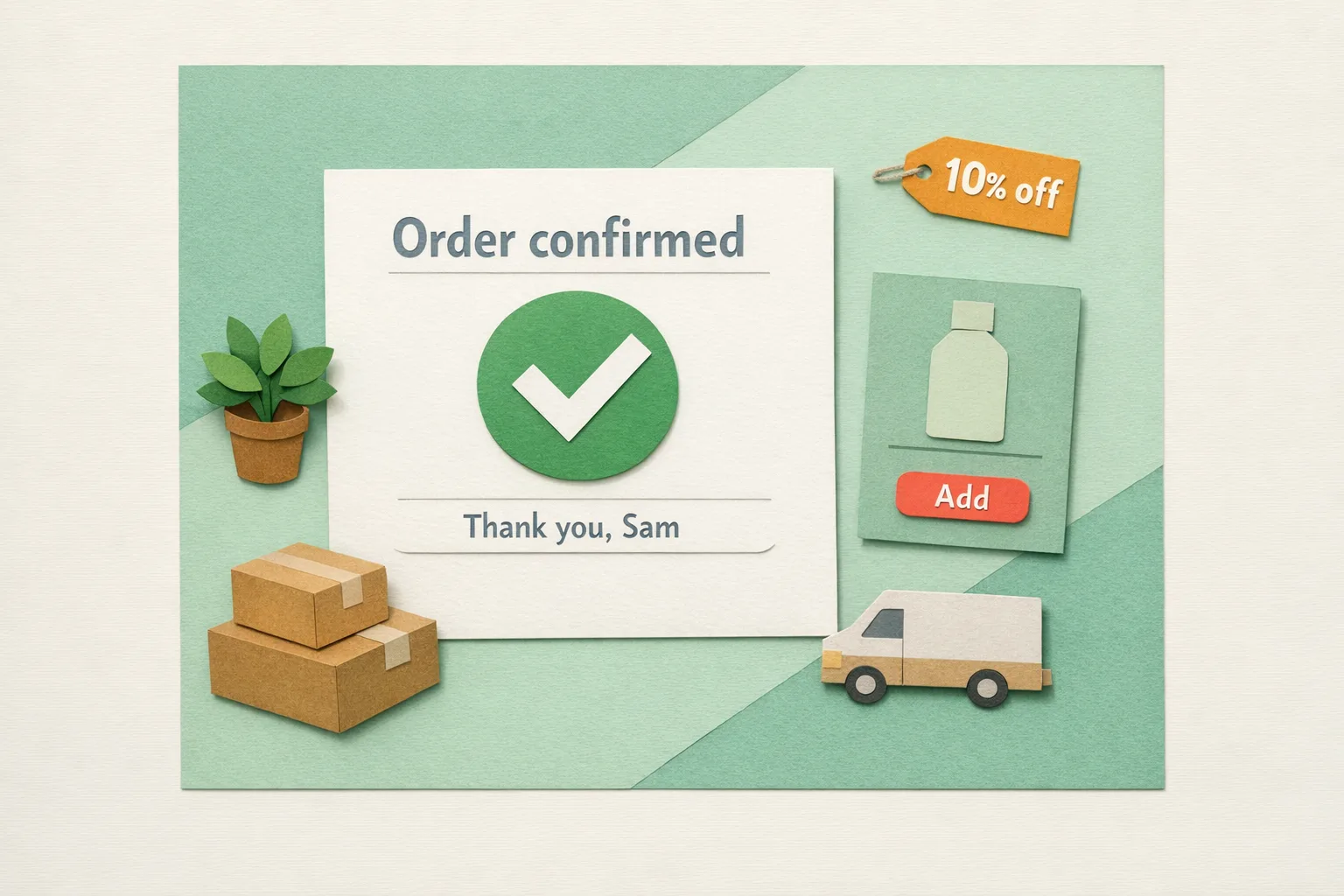
That is a wasted sale. A buyer who has just converted is far more likely to convert again than a cold visitor, and the success page is the one place you have them, delighted, with no competing tabs and no ad spend. Used well it can thank them by name, suggest a matching product, invite a guest to create an account, set a delivery expectation, and hand over a time-limited offer before they navigate away.
Key point: the success page is not a receipt, it is the warmest lead your store will ever generate - treat it like a landing page, not a full stop.
What the Magento order success page actually is
When checkout completes, Magento's Magento\Checkout\Controller\Onepage\Success controller renders the route checkout/onepage/success. The page is built by the layout handle checkout_onepage_success.xml in the Magento_Checkout module, and its main content comes from a single block named checkout.success (class Magento\Checkout\Block\Onepage\Success, template Magento_Checkout::success.phtml).
That template is short. It prints the order number, one line - "We'll email you an order confirmation with details and tracking info." - and a "Continue Shopping" button. A second block, checkout.registration, sits below it and offers guest buyers an account. That is the entire page.
One detail matters more than any other for personalisation: the checkout.success block is declared cacheable="false". The success page is never full-page cached, so anything you put there can be fully personalised per customer at no cache-vary cost - the opposite of a category or product page, where per-customer content is expensive.
Why this page converts when nothing else does
Every other marketing surface fights for attention. The success page does not. The customer has finished the task, the friction is gone, and they are in the rare state of having just decided to trust you with their money. Behavioural research on this moment is consistent: intent and goodwill peak immediately post-purchase, then decay fast.
An email sent an hour later has to survive the inbox, the spam filter, and a dozen competing senders. The success page has none of those problems. It is already open, already read, and it cannot be blocked. A cross-sell shown here reaches a proven buyer with zero deliverability risk and zero acquisition cost. That is why the empty default is so costly: the highest-converting placement on the store is spending its one appearance on an order number.
What belongs on a high-intent thank-you page
You do not need all of these, and cramming in every one is its own mistake. Pick the two or three that match your store.
- A personalised message. Greet the customer by name and reference the order. "Thanks, {firstname} - order 000000123 is confirmed" reads as a brand, not a database.
- A cross-sell or reorder block. Show products that pair with what they just bought, or a one-tap reorder for consumables. This is the single biggest revenue lever on the page.
- A delivery estimate. A "shipped by" and "delivered by" date sets expectations and cuts "where is my order?" tickets before they are raised.
- An account-creation prompt. Convert a guest into a registered customer while they are still engaged, so their next visit is one click, not a re-entry of every detail.
- A referral or review prompt. A proven buyer is the ideal person to ask for a review or to refer a friend - just not in the same breath as everything else.
- A time-limited offer. A countdown-backed discount on the next order captures the goodwill spike before it fades.
Where Magento falls short (out of the box)
Standard Magento 2 Open Source gives you almost nothing to work with here.
- There is no admin screen that governs success-page content. Unlike shipping or tax, there is no Stores > Configuration section for it - the content lives in layout XML and the
success.phtmltemplate, so any real change means a developer editing theme files. - There is no cross-sell on the success page. Magento does render related and cross-sell products, but only on the cart (
checkout_cart_index), never on the success handle. By the time the sale completes, that block is gone. - The account prompt is the only built-in extra, and it renders conditionally - only for a guest whose email is not already a customer, via Magento's standard
checkout/account/delegateCreateflow. - There is no delivery estimate, no offer block, and no personalisation beyond the order number and the customer's implied name in later emails.
The result is the same pattern as the branded invoice: the one touchpoint guaranteed to reach every buyer is the one Magento gives you the least ability to shape.
Step-by-Step: How to turn the success page into a second sale
Step 1 - Decide the one job
Before touching anything, choose the page's primary goal: more revenue (cross-sell or reorder), more customers (account creation), or fewer tickets (delivery clarity). A success page that asks for five things achieves none. Everything else supports the one job.
Step 2 - Personalise the greeting
Replace "Your order number is 000000123" with a named, human line that confirms the order and reassures. Because the block is not cached, you can safely use the customer's name and order specifics with no full-page-cache complications.
Step 3 - Add one high-value block
Insert your primary lever: a cross-sell grid of items that complement the purchase, a reorder button for consumables, or a countdown discount on the next order. This is the block that turns a receipt into revenue. Back any discount code with a matching Marketing > Cart Price Rules entry so it actually works when the customer returns.
Step 4 - Set delivery expectations
Show a "shipped by" and "delivered by" estimate, and where possible a tracking link or calendar reminder. This is the block that quietly removes support load - customers who can see when their parcel arrives do not email to ask.
Step 5 - Convert the guest
If the buyer checked out as a guest, offer the account with a single clear card. Magento's delegateCreate flow pre-fills their details, so registration is one click rather than a fresh form.
Step 6 - Measure it
Tag the links on the page with UTM parameters so you can see, in analytics, which success-page offer actually converts. Without measurement you are guessing which block earns its place.
Common Mistakes
Mistake 1 - Leaving the default in place
The most common error is never touching the page at all. An order number and a "Continue Shopping" button is the single biggest missed opportunity in the standard checkout. Even a named thank-you and one cross-sell beats it.
Mistake 2 - Cramming in everything
A page with an offer, a survey, a referral scheme, a social follow, and three cross-sells converts on none of them. One prominent call to action beats five competing ones. Restraint is what makes the page work.
Mistake 3 - Putting mission-critical information only here
The success page has no shareable URL a customer can bookmark and return to - refresh or navigate away and it is gone, with a redirect back to the cart if the session no longer validates. Never make it the only place an order number, download link, or key instruction appears. It is a bonus surface, not a system of record; the confirmation email is where durable information belongs.
Advanced: A success page that keeps working
- Dynamic offers by cart: vary the cross-sell or discount by what the customer just bought, so the prompt is relevant rather than generic.
- Reorder deep-links: for consumables, a button that pre-fills a cart with the same items turns "I'll need more of that" into two taps.
- Countdown-backed urgency: a visible expiry clock on the next-order discount captures the post-purchase goodwill spike before it decays.
- Analytics on every click: UTM-tag promo and non-promo links separately so you can prove which block pays for itself.
- Follow-up handoff: the page cannot do everything in one screen, so pair it with a timed post-purchase email sequence for the review request and the later re-engagement.
Where Moogento Fits
Because Magento gives you no admin control over this page, shaping it normally means developer time in theme files. ThanksEasy replaces that with a configurable thank-you page built from the admin: a personalised success message with the order ID and link, cross-sell and BOGO product blocks each with their own discount and countdown, a fullscreen promo popup, "shipped by" and "delivered by" delivery estimates with calendar and QR tools, a guest account-creation card using Magento's standard delegateCreate flow, and UTM tagging so you can measure which offer converts. It turns the empty default success page into the second sale this guide describes, without touching template code.
For the follow-up that the page hands off to, HelloCustomer automates the post-purchase side - review requests at the right delay after fulfilment, winback sequences for lapsed customers, and abandoned-cart recovery - so the goodwill you capture on the success page is carried into the inbox at the right moment rather than lost.
Real-World Impact
Stores that treat the success page as a placement rather than a full stop typically see:
- Incremental revenue from a proven buyer at zero acquisition cost, because the cross-sell reaches them while intent is still peaking.
- More registered customers, as guests convert on the spot instead of via a later email that never gets opened.
- Fewer "where is my order?" tickets when a delivery estimate and tracking link appear the moment the order is placed.
The work is a one-off setup; the return compounds on every order that lands on the page afterwards.
FAQs
What is the Magento order success page?
The order success page is the confirmation screen Magento shows immediately after checkout completes, at the route checkout/onepage/success. By default it displays the order number, a short "we'll email you" line, and a "Continue Shopping" button, plus an account-creation prompt for guests.
Can I customise the Magento thank-you page without a developer?
Not with core Magento. There is no Stores > Configuration section controlling the success page - its content lives in the checkout_onepage_success.xml layout and the success.phtml template, so any change means editing theme files or installing an extension that adds admin control.
Why is the order success page a good place to cross-sell?
Because the customer has just paid and trusts you, their purchase intent is at its highest point and their attention is undivided. A cross-sell shown here reaches a proven buyer with no ad spend and no email deliverability risk, which is why it converts better than most other placements.
Does Magento show related products on the success page by default?
No. Magento renders cross-sell and related products only on the shopping cart page (checkout_cart_index), never on the success handle. Once the order is placed, that block is gone unless you add one.
Can I add a discount offer to the success page?
Core Magento has no content block for it, so you need an extension or theme customisation to place the offer. Whichever you use, back the discount code with a matching Marketing > Cart Price Rules entry so the code actually applies when the customer returns.
Is the Magento success page cached?
No. The checkout.success block is declared cacheable="false", so the page is never full-page cached. That means you can personalise it per customer - name, order details, tailored offers - without any of the cache-vary cost you would incur on a cached category or product page.
How do I let guests create an account from the thank-you page?
Magento already offers this. For a guest whose email is not yet a customer, the checkout.registration block shows an account-creation card that uses the checkout/account/delegateCreate flow to pre-fill their details, so registration is a single click rather than a new form.
What should never live only on the success page?
Anything the customer needs later - the order number, a download link, or key instructions. The page has no shareable URL to return to and disappears on refresh or navigation, so it is a bonus surface, not a record. Put durable information in the order confirmation email as well.
Next Steps
- Open a recent order's success page and look at it as a customer would - most stores are surprised how empty it is.
- Pick one job for the page: revenue, account creation, or delivery clarity. Just one.
- Add a personalised greeting and a single high-value block, backed by a cart price rule if it carries an offer.
- Tag the links with UTM parameters so you can measure which block earns its place.
The highest-value move is the cross-sell or reorder block - it reaches a proven buyer at their most receptive moment, for free.
Related reading: Reduce Cart Abandonment in Magento and Make Your Magento Invoice Earn Its Place.