
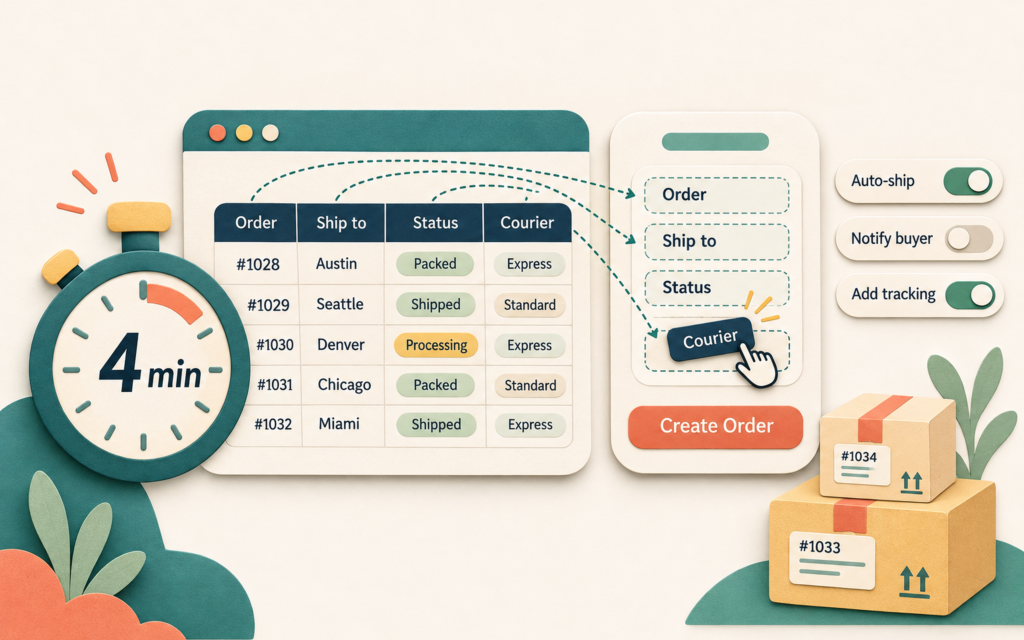

Setup shipEasy in 4 Minutes, and Save Hours with Magento Order Processing

Round 5, here's a quick intro to setting up the basic features of shipEasy.

Less than 5 minutes to go through this, and you'll be saving literally hours every day after setting it up.

We cover things like:

* Hiding and moving Order Grid columns

* Setting simpler visual cues for a better quick-look of how your store is performing

* Adding comments to the order and emailing the customer direct from the Orders Grid, in one click

* Showing which products are out of stock For more info, check our step-by-step

shipEasy QuickStart Setup Guide.


Four minute stopwatch beside an order grid with columns being rearranged

Table of Contents

Cutout-style illustration of a shipping cutoff message shown consistently across a Magento product page, cart, checkout and confirmation email

Magento Shipping Cutoffs - Set Expectations, Keep Sales

A shipping cutoff is a promise with a deadline attached, and it only helps sales if you tell the truth about it everywhere - product page, cart, checkout, confirmation and email. Vague 'fast shipping' wins the click and loses the reorder. Here's how to get it right in Magento 2.


Read More »