

Meet Magento Poland 2026: Who Checks the Faster Code?
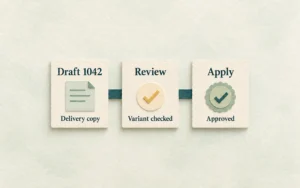
Faster code is only part of getting a change into the shop. Meet Magento Poland's sessions give store teams three questions about review, B2B prices and recovery.
Faster code is only part of getting a change into the shop. Meet Magento Poland's sessions give store teams three questions about review, B2B prices and recovery.

CommerceNext puts support visibility and connected returns data on the programme. Follow one Magento order and find where the customer and the team stop seeing the same story.

AI discovery and agentic checkout are on the Warsaw programme. Follow one Magento order through the warehouse and tracking page before making the front end cleverer.

Tsari Bombelli's AI-discovery talk and Jiří Brada's security session point to two jobs worth doing before Mainz: clearer product pages and a patching process with an owner.

Before Mage Camp in Manchester, try one mobile purchase, one awkward payment and one product-data check. Bring a real problem, not another blank notebook.

Most Magento stores aren't hacked through some exotic exploit - they're walked into through a stale admin account, an unrotated API token, or a patch that never got applied. A practical admin security checklist for store owners: the settings that quietly matter, five real-world scenarios, and a quarterly audit you can actually run.