Magento Admin Security: The Settings Store Owners Forget to Check

Most Magento stores that get compromised aren't broken into through a clever exploit. They're walked into through something mundane: an admin account belonging to a developer who left a year ago, a two-factor prompt nobody enabled, an API token that's never been rotated, or a security patch that was announced months ago and never applied. Magento admin security is mostly hygiene, and the settings that matter most are the ones easiest to forget. Here's the checklist.
What are the most important Magento admin security settings?
A short list of settings blocks the large majority of real-world attacks on a Magento store. None of them is exotic, which is exactly why they get skipped.
| Setting | Why it matters | Where |
|---|---|---|
| Two-factor authentication | Stops a stolen password becoming a stolen store | Stores > Configuration > Security > 2FA (on by default in modern Magento) |
| Custom admin URL | Hides /admin from automated login-guessing bots | Set during setup, or via bin/magento setup:config:set --backend-frontname |
| Least-privilege user roles | A junior account shouldn't be able to export the customer database | System > Permissions > User Roles |
| Remove stale users | Every unused account is an unattended door | System > Permissions > All Users |
| Rotate API tokens | Old integration tokens outlive the integrations they were for | System > Extensions > Integrations |
| Apply security patches | Most breaches exploit a known, already-patched hole | Composer updates and Adobe security bulletins |

Why is two-factor authentication the setting that matters most?
Two-factor authentication (2FA) is the single most effective admin control because it defeats the most common attack: a leaked or guessed password. Magento 2 ships with a 2FA module enabled by default, requiring a second factor - an authenticator app code - on top of the password. The mistake stores make isn't disabling it deliberately; it's granting exceptions, or never enforcing it for every admin, so one account slips through without it.
Check that 2FA is genuinely required for all admin users, not just the ones who set it up. An admin account without 2FA is a password away from full control of your orders, customers and payment configuration - and admin passwords leak through reused credentials, phishing, and old data breaches all the time. This is the one to verify first.
Five ways stores actually get caught
These are the ordinary situations that turn into incidents. Every one is preventable with a setting already in the checklist.
- The developer who left. An agency or freelancer finished a project a year ago, and their admin account is still active with full rights. Nobody disabled it. Offboarding admin accounts is the most-skipped step of all.
- The shared login. Three people use one "admin" account, so when something goes wrong there's no way to tell who did it - and the password gets written down somewhere it shouldn't be.
- The forgotten API token. An integration was set up two years ago, removed, but its access token was never revoked - a live credential for a service that no longer exists.
- The patch that waited. A critical security patch was published, the store was busy, and it slipped. Attackers scan for exactly this: known holes on unpatched stores, often within days of a bulletin.
- The brute-force drip. Bots quietly try admin passwords for weeks. Without anyone watching failed logins, the first sign of trouble is the successful one.
The settings owners forget after launch
The launch checklist gets done. It's the ongoing hygiene that lapses, because nothing forces it. File permissions drift after a manual fix on the server and never get reset. Backups are configured once and never test-restored, so nobody knows they're incomplete until the day they're needed. Cron stops running - and with it, index updates, scheduled jobs and, on some setups, security tooling - and there's no alert because cron's failure is silent.
And the quiet one: nobody can answer "who changed this?" A price is wrong, a config was toggled, an admin user appeared - and without an audit trail there's no way to tell whether it was a mistake, a test, or an intruder. That single question is worth its own process, which is why we've covered it separately in how to answer "who changed this?" with a Magento admin audit log.
How this applies to Magento 2
Magento 2 gives you the building blocks - 2FA, role-based permissions, a configurable admin URL, integration tokens - but it doesn't police how you use them. It won't tell you an admin account has been dormant for eight months, that a token belongs to a dead integration, or that someone's been failing to log in from another country for a fortnight. Adobe's security guidance covers 2FA, reCAPTCHA and its Security Scan tool, and applying that advice is on you. Security on Magento is a routine you run, not a box the platform ticks.
Where Moogento helps
Two Moogento tools cover the monitoring and account-hygiene gaps the platform leaves open. AuditEasy watches the admin: it logs every admin login and logout including failed attempts, records who changed what with before-and-after values, and sends a security alert email when an account crosses a threshold of failed logins in a day - which is your early warning for the brute-force drip before it succeeds. That turns "we found out afterwards" into "we got an email while it was happening".
NoMoreSpam handles the storefront-form side of the same problem - blocking bot submissions on contact, registration, review and newsletter forms without a CAPTCHA - and its Pro tier extends into admin-login protection: rate limiting on the admin login, IP and CIDR blocklisting, orchestration of Magento's native two-factor requirement, and a built-in security-checklist command you can run to audit the store's posture in one pass. Most of this checklist is process rather than software - the tools help you see and enforce it, but the discipline of actually offboarding accounts and applying patches is the part no module does for you.
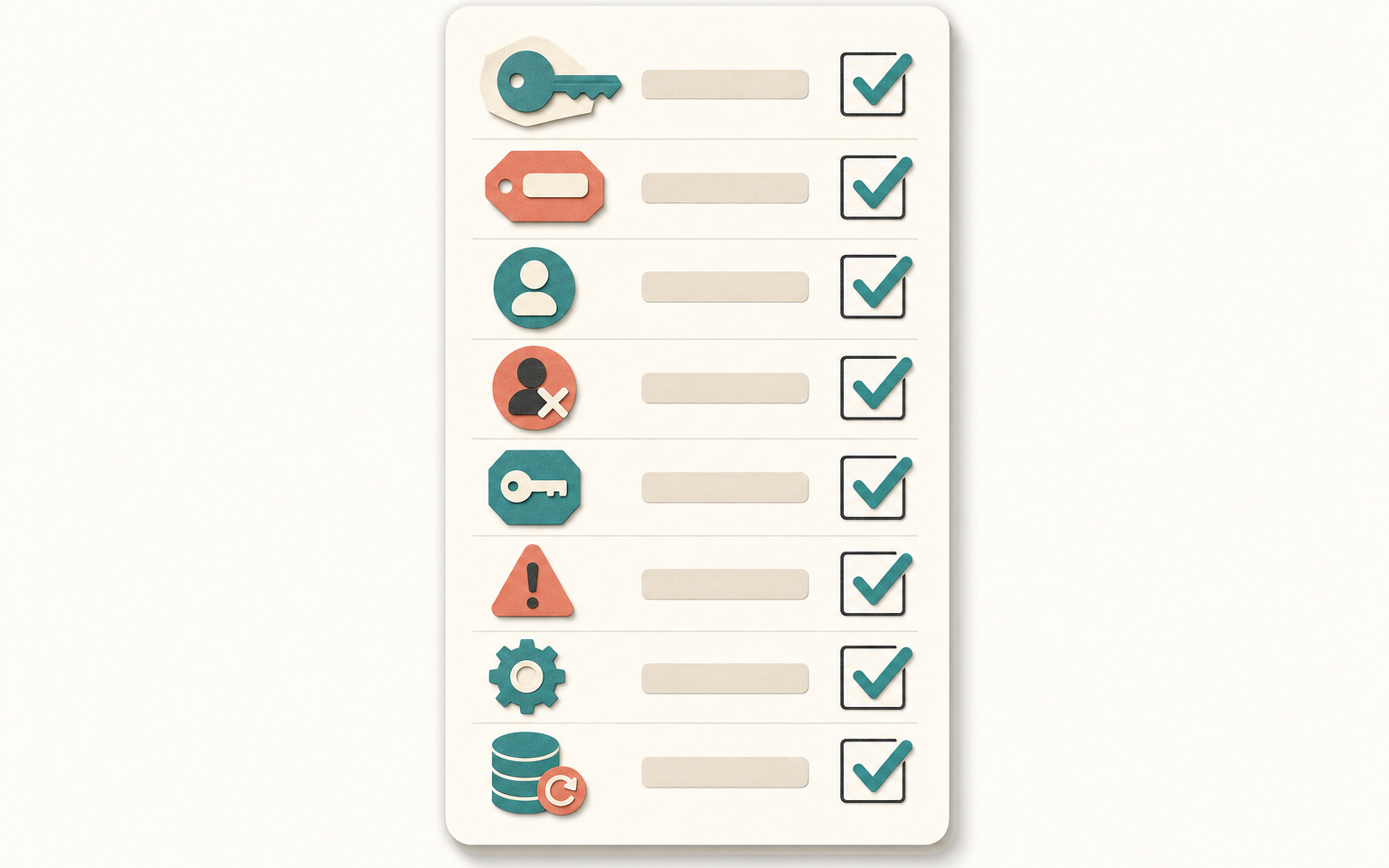
Quarterly Magento admin security audit
- List all admin users. Disable any that belong to people or projects no longer active. Confirm no shared logins remain.
- Confirm 2FA is enforced for every remaining admin account, with no exceptions.
- Review user roles. Check that each account has only the permissions its job needs - especially customer-data and export rights.
- Audit integration tokens under System > Extensions > Integrations. Revoke any whose integration is gone; rotate the rest.
- Verify the admin URL isn't the default /admin, and that admin isn't reachable on an obvious path.
- Check for outstanding security patches against the latest Adobe bulletins and apply them.
- Review failed admin logins for unfamiliar IPs or repeated attempts on a valid username.
- Confirm backups ran and test-restore one. A backup you've never restored is a hope, not a backup.
- Check cron is running - stale indexes or missed jobs are the symptom.
- Confirm you have an audit trail answering "who changed this?" and that it's actually capturing changes.
FAQ
Is Magento 2 secure out of the box?
Reasonably, but it depends entirely on configuration and upkeep. Magento 2 ships with 2FA enabled and role-based permissions, but it won't enforce good practice for you - stale admin accounts, unrotated API tokens, unapplied patches and untested backups are all on the store owner. Most compromises exploit these lapses, not the platform itself.
Should I change the Magento admin URL from /admin?
Yes. A custom admin frontname doesn't stop a determined attacker who already has credentials, but it hides the login page from the automated bots that hammer /admin with guessed passwords all day, which cuts a lot of noise and risk. Set it during install or with bin/magento setup:config:set --backend-frontname.
How often should I run a Magento security audit?
Quarterly for the full checklist - users, roles, tokens, patches, backups and logs - with patches applied as soon as bulletins land rather than waiting for the quarter. The highest-value items to check first are 2FA enforcement, stale admin accounts, and outstanding security patches, since those cover the most common real-world attacks.
What's the most-forgotten Magento admin security step?
Offboarding admin accounts. Stores add users freely but rarely remove them, so old developer, agency and staff accounts stay active with full rights long after the person has gone. Every dormant account is an unattended way in - review the user list regularly and disable anything that isn't currently needed.
Run the audit once and you'll almost certainly find something - a dormant account, a live token nobody remembers, a patch that slipped. Fix it, put a quarterly reminder in the calendar, and admin security stops being the thing you worry about only after something's gone wrong.