B2B eCommerce World Americas: Who Owns Your Product Data?
Magento product data ownership means naming who can establish a product fact, approve its wording and put the correction live. For a wholesale buyer, the test is simple: report the wrong pack size and get a useful answer without repeating the problem to three departments. Keep the fact, its evidence and the person responsible together. A new platform won't make that decision for you.
B2B eCommerce World Americas 2026 brings its main programme to Indianapolis on 2 and 3 November. In the organiser's announcement of Stacy Hanks as co-MC alongside Jason Greenwood, Hanks connects digital commerce with good data and clear ownership. That's a useful conversation for a Magento wholesale team: when a customer spots a bad product detail, who gets the last word on the fix?
Where should Magento product data ownership begin?
Start with the person who can establish the correct fact, not whoever happens to have the product edit screen open. The fact owner and the person publishing catalogue copy can be different people.
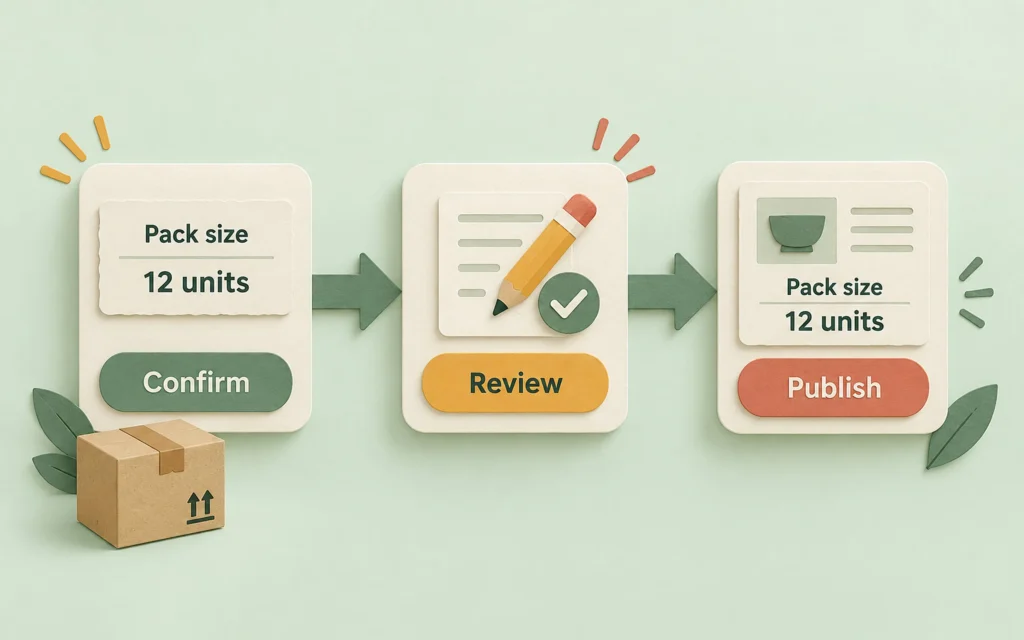
Take a product sold in packs. The description says six units, the supplier sheet says twelve, and a repeat buyer orders the quantity they bought last time. Changing the sentence is easy. Deciding which pack size applies to this SKU, and whether the supplier changed it, takes a little more care.
Give the correction a short record: SKU, affected store view, disputed detail, supporting document, named decision-maker and next check date. Include the buyer's question, but keep account details out of a shared catalogue note. Start with one disputed field. You don't need to reorganise the company before lunch.
Who should check the fact, approve the copy and publish it?
Choose a fact owner, a copy reviewer and a publisher for the correction. One person can do more than one job, but everybody should know which decision they're making.
| Job | Question to settle | Record to leave |
|---|---|---|
| Fact owner | What is correct for this exact product? | Accepted value and the document or supplier answer supporting it |
| Copy reviewer | Does the wording explain that fact clearly? | Approved wording, including unit and pack size where relevant |
| Publisher | Where must the accepted change appear? | Changed fields and store views, plus a checked product-page link |
| Customer contact | What can we now tell the buyer? | Reply explaining the corrected detail and any order-specific next step |
The table is a starting point for your team, not a request for four new hires. In a small shop, the same person may check the supplier answer and update Magento. They still need to separate "I've confirmed the fact" from "I've saved the page".
What happens when the supplier feed brings the error back?
Check the next import as well as the edited product page. A correction isn't finished if the usual import can replace it with the old value tomorrow.
Find where the disputed detail enters your catalogue. It might be a supplier file, a PIM record or a manual entry. Decide where the accepted value should be maintained, then check the mapping and the next run of that process. Keep a note of any temporary local fix so it doesn't become a permanent mystery.
Don't turn a wording correction into an unplanned change to stock, order quantities or customer pricing. If the pack size affects those decisions, give each one a separate check. A tidier description won't repair an order that was already placed.
How can the catalogue reviewer use ProductContent?
Once your team has established the product fact, ProductContent AI can help the catalogue reviewer compare proposed copy with the existing value. That supports the wording review; it doesn't decide who owns a supplier fact.
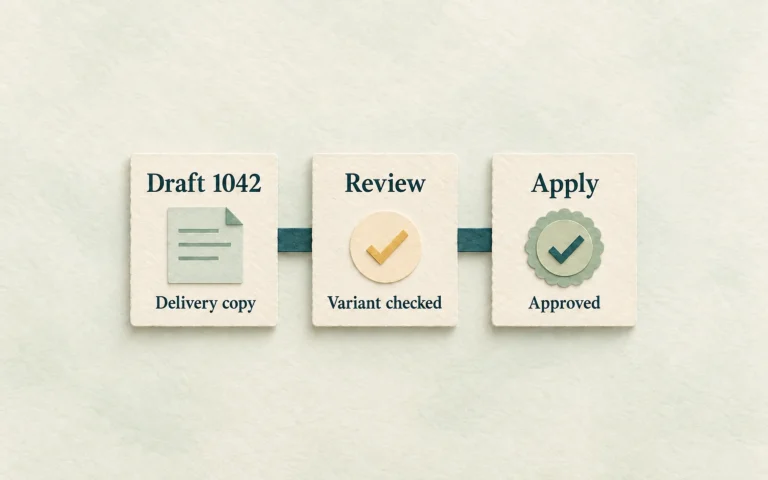
In ProductContent AI > Products & Drafts, the review panel shows the original value beside the proposed version. The reviewer can edit the wording, approve a draft and then apply it separately. Approving the draft does not itself change the product. The ProductContent review guide explains those actions.
Keep disputed specifications on the manual-review route. ProductContent also offers low-risk publishing without review, so don't assume every configuration puts a person between a generated sentence and the live catalogue. Check the settings before choosing this as your team's approval step.
For the wider copy-generation job, use the guide to reviewing Magento product descriptions at scale. Here, the decision comes earlier: what fact has your team accepted, and who can approve changing it?
What would you ask at B2B eCommerce World Americas?
Ask how manufacturers and distributors give a customer-reported error a named owner. Hanks' emphasis on data and ownership makes that a concrete question for the Indianapolis conversation, rather than another debate about buying more software.
Follow one correction through your own business before the event. Where does support send it? Who can resolve conflicting supplier answers? Who checks the next import? Bring the point where it stalls. "We need better data" is easy to agree with; "nobody can approve the corrected pack size" gives people something to discuss.
FAQ
Does a Magento product editor automatically own the product data?
No. Permission to edit a field doesn't establish which supplier specification is correct. Name the person who can settle that fact, then make the approved value available to the editor.
Should every wholesale product correction go through the same people?
Use the people who can check that particular detail. A spelling change and a disputed pack size don't carry the same consequences. Keep the route proportionate, and make the final decision-maker clear.
Can AI settle a conflict between two supplier specifications?
AI can help organise or rewrite the information you've given it, but fluent wording isn't evidence that a product specification is correct. Ask the responsible person to settle the conflict before generating copy from the accepted value.
What's a useful first test for the team?
Choose one customer-reported catalogue error. Record the accepted fact, check the live page and next import, then tell the buyer what changed. If the correction stalls, name the missing decision before adding another tool.